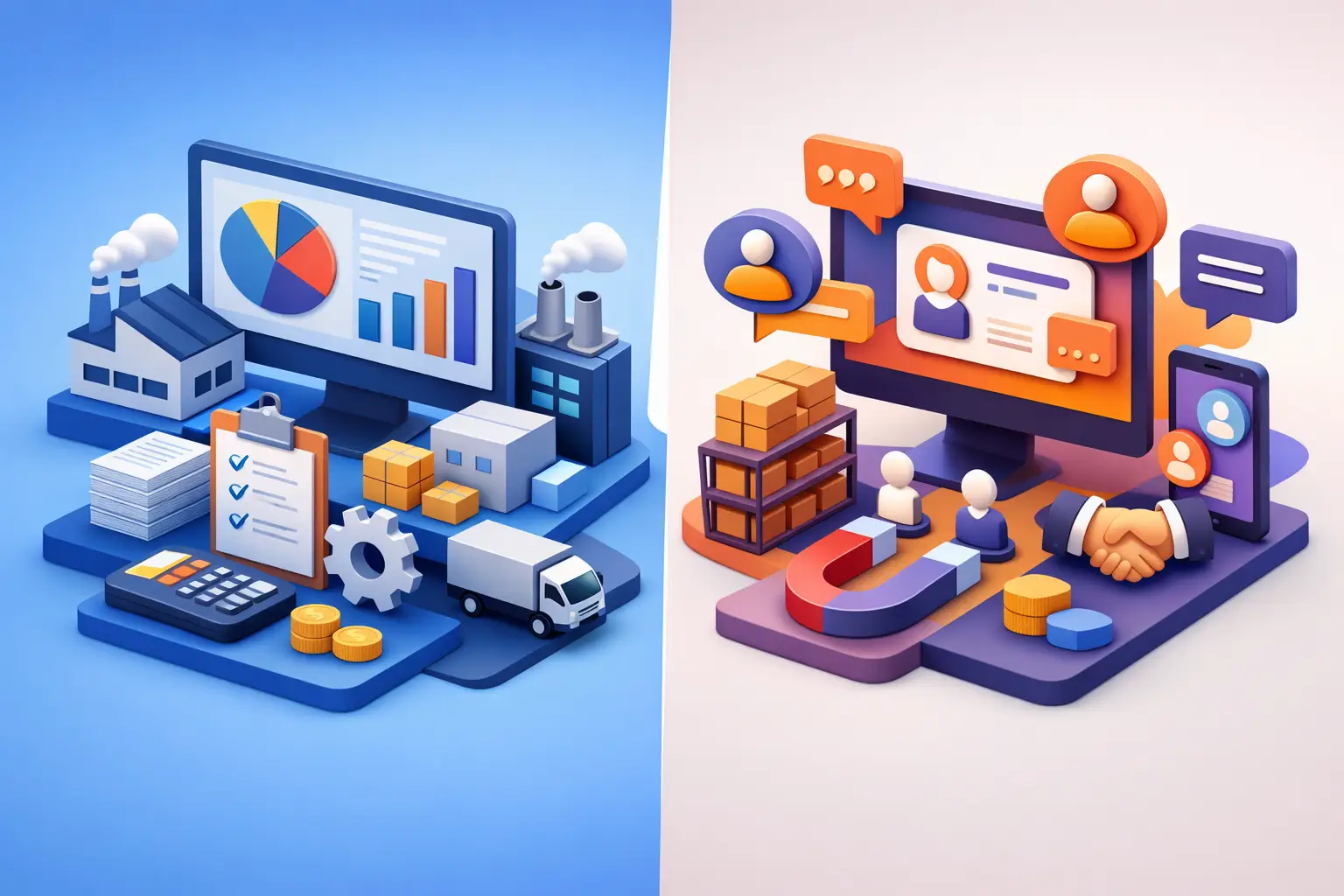
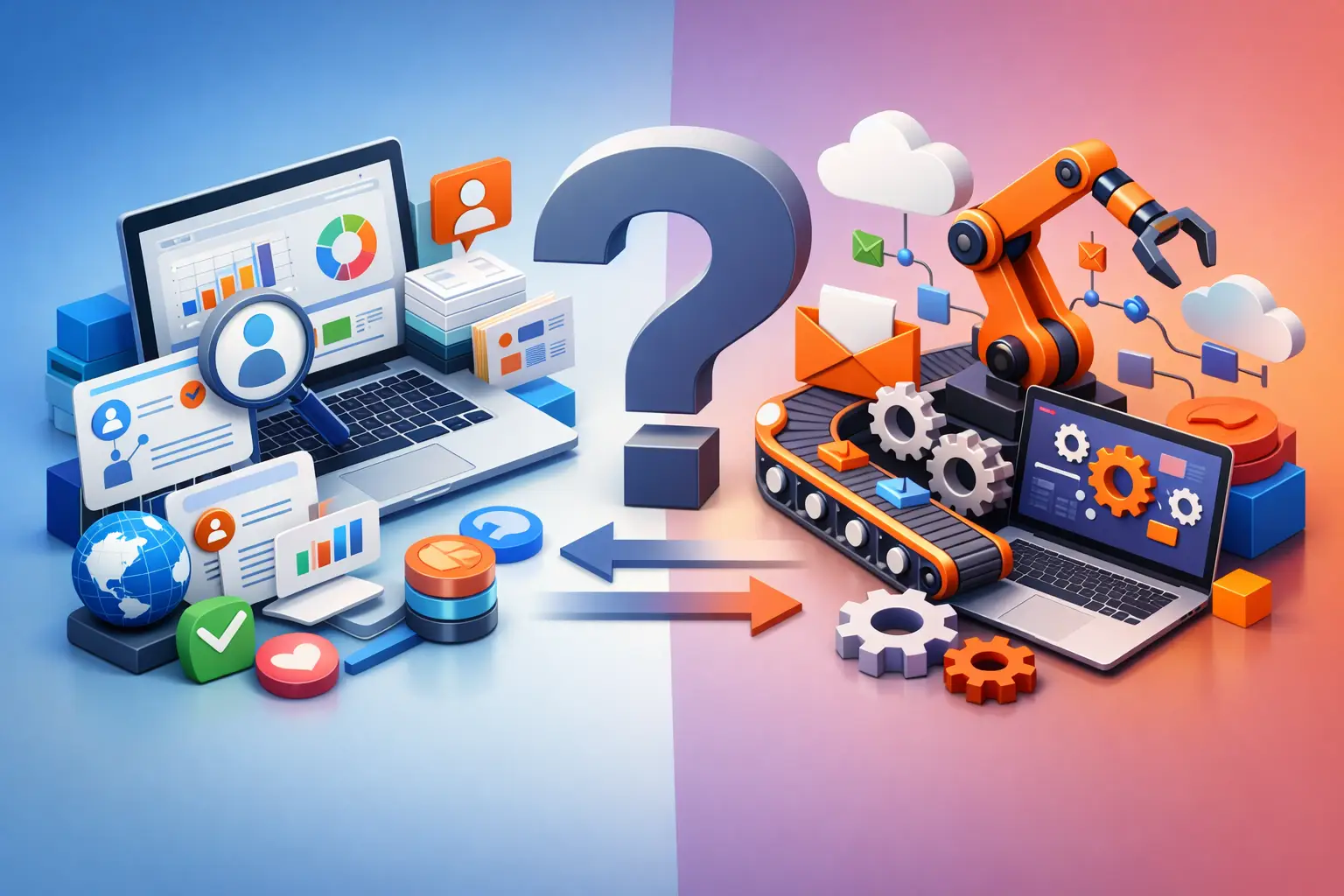
When Do You Need an ERP? Signs Your Business Is Ready

A business doesn't decide on an ERP system because it wants more software. The decision usually starts at the moment when a simple action, like checking the status of a quote or approving an order, requires messages, spreadsheets, phone calls, and searching across several systems. The question of when you need an ERP doesn't depend only on company size, but on the operational cost of disorder: wasted time, recurring errors, inconsistent data, and difficulty making decisions on time.
An ERP system, or enterprise resource planning system, unifies core processes in one place. It can connect sales, customers, quotes, projects, procurement, inventory, finance, service, and reporting. The goal is not to centralize every action for the sake of centralization, but to create a reliable source of data that lets everyone work from the same business picture.
When do you need an ERP rather than another point solution?
There is a difference between a business that uses several effective tools and a business that is run by a collection of tools that don't communicate with one another. Accounting software, a lead management system, a task-tracking spreadsheet, and an email inbox can serve a small business well. The problem begins when the team has to transfer information between them manually, and every update depends on the memory and discipline of a specific person.
If a sales rep marks a deal as closed, but the operations department only finds out about it a few days later, that is not just a personal communication problem. It is a gap in the process. If a manager wants to know a project's profitability and gets three different answers from three different files, the problem is not the report itself but the data structure.
An ERP is a good fit when there is a need for a continuous link between actions. For example, a lead that becomes a quote, an approved quote, an execution task, an invoice, and collection tracking. When each stage builds on the previous one, a central system reduces duplicate data entry and creates clear accountability.
On the other hand, not every business needs a full ERP. A self-employed professional with a small number of clients and a uniform service process may get more value from targeted automations, organized customer management, and a basic dashboard. A system that is too large can add costs, complexity, and administrative work that didn't exist before. The right decision is not whether an ERP sounds advanced, but whether it solves a real operational bottleneck.
Seven signs it's time for an ERP system
1. Your data lives in too many places
When customer data is in one system, quotes are in files, execution status is in messages, and collection data is with the bookkeeper, the business has no single view of its status. Every report becomes a manual task, and every change requires updating several places.
In this situation, an ERP can define a single record for each customer, deal, or project, and attach all relevant actions to it. This reduces duplicates and prevents arguments about which version is the most current.
2. The team depends on specific people to understand what's going on
If only one employee knows where the documents are, who approved the latest quote, or what was promised to the customer, the business is exposed. Vacation, workload, or departure can stop an entire process. This kind of dependency is common even in successful businesses, precisely because growth was faster than the management infrastructure.
An ERP system does not replace professional knowledge, but it documents the workflow: who is responsible, what the status is, what is required in the next stage, and which documents are related to the process. This way, work relies on a system and not on personal memory.
3. There are recurring errors in orders, billing, or pricing
A one-time error is not a reason to implement a new system. A consistent pattern of wrong prices, duplicate orders, service provided without approval, or invoices that weren't sent on time is already a clear sign. Most often, the source of the problem is not carelessness but the manual transfer of information between systems and people.
An ERP lets you build rules: approval before moving to the next stage, pricing by customer type, alerts for exceptions, mandatory fields, and change logging. The more sensitive a process is to money, inventory, or customer commitments, the greater the value of built-in controls.
4. The business is managed in hindsight
A manager who receives sales, cash flow, or workload data only at the end of the month is reacting to what has already happened. In contrast, data that is updated as activity happens makes it possible to identify delayed quotes, customers who haven't received a response, projects exceeding their scope of work, or payments about to expire.
The value is not just in a nice dashboard. The question is whether the data leads to action. A good system should surface exceptions, trigger alerts, and provide metrics tied to management decisions: where to invest time, what to prioritize, and when to step in.
5. Growth increases chaos instead of control
More customers, more employees, and more services are supposed to increase revenue. In practice, they sometimes increase the number of messages, Excel files, and tasks that never get closed. If every new employee requires creating another file or a new manual process, the existing infrastructure is not built for a larger scale.
An ERP is not intended only for large organizations. It is relevant for a business that is before its next growth stage and wants to define processes before the load becomes the standard way of working. This is a fundamental difference: you don't wait for an operational collapse to build infrastructure.
6. Sales and operations don't see the same picture
Sometimes the sales team focuses on closing deals, while operations tries to understand exactly what was sold, when, and what is needed to deliver it. The gap creates inaccurate promises, customer frustration, and duplicate work inside the company.
A shared system connects the commercial commitment to actual execution. When a quote is approved, you can create tasks, assign responsibility, update the customer, and track status without opening a new message thread each time.
7. There is no consistent way to measure profitability and performance
Sales revenue is not necessarily profit. A business can grow and still lack control over work hours, supplier costs, discounts, unprofitable projects, or lead response time. If data arrives too late or you can't link revenue to cost, it's hard to manage healthy growth.
When an ERP is properly connected to sales, execution, and finance processes, you can examine performance by customer, service, project, or lead source. Not every metric has to be available on day one, but an organized data infrastructure makes it possible to progress from basic reporting to more precise decisions.
Before implementing an ERP: map the work, not the software
The most expensive mistake is choosing a system before understanding the processes. A system will not fix a vague process - it may simply make it more complex. Therefore, the first step is to map the important handoff points: where a lead comes from, who handles it, when a quote is created, what counts as approval, how a project is opened, who is responsible for collection, and what data management needs.
It's worth distinguishing between a core process and a work habit. For example, quote approval is usually a core process. Sending a manual update in a messaging group may be a habit that can be replaced with an automatic alert. The mapping should reveal not only what is done, but why it is done and what will happen if the step is not performed.
Next, set priorities. There's no need to bring all departments and all scenarios into the first go-live. It's better to start with processes that have volume, errors, delays, or a direct impact on revenue. For a service business, this might be the transition from lead to quote to project. For a business with commercial operations, orders, inventory, and billing might be the starting point.
How to choose a system that fits your business
Choosing an ERP should be evaluated by operational fit, not by a feature list. A system with dozens of capabilities that won't be used is not necessarily better than a system that implements the most critical process well. Ask whether you can configure permissions, approval processes, custom fields, reports, and alerts without turning every change into a development project.
It's also important to check integrations. An ERP doesn't have to replace every existing tool. In many cases, it's right to connect it to a marketing system, customer service, payment processing, or accounting. The test is the quality of the data flow: what the source is for each piece of data, when it is updated, and what happens in case of a failure or missing information.
A successful implementation requires management ownership. If there is no one who defines decisions, approves processes, and leads adoption among employees, even an excellent system will remain partially used. The team needs to understand not only which button to press, but what has changed in the work routine and why the change saves time, prevents errors, or improves service.
At AIA, the starting point is that the system should serve the business activity and not the other way around. Therefore, proper planning combines automation, lead management, quotes, alerts, data, and reporting, according to the actual structure of the work.
The right step is not to start by searching for a system, but to pick one process that creates the most friction today and measure it. Once the business knows where information gets stuck, who needs to act, and what each delay costs, you can build an infrastructure that gives the team more control and less manual work.