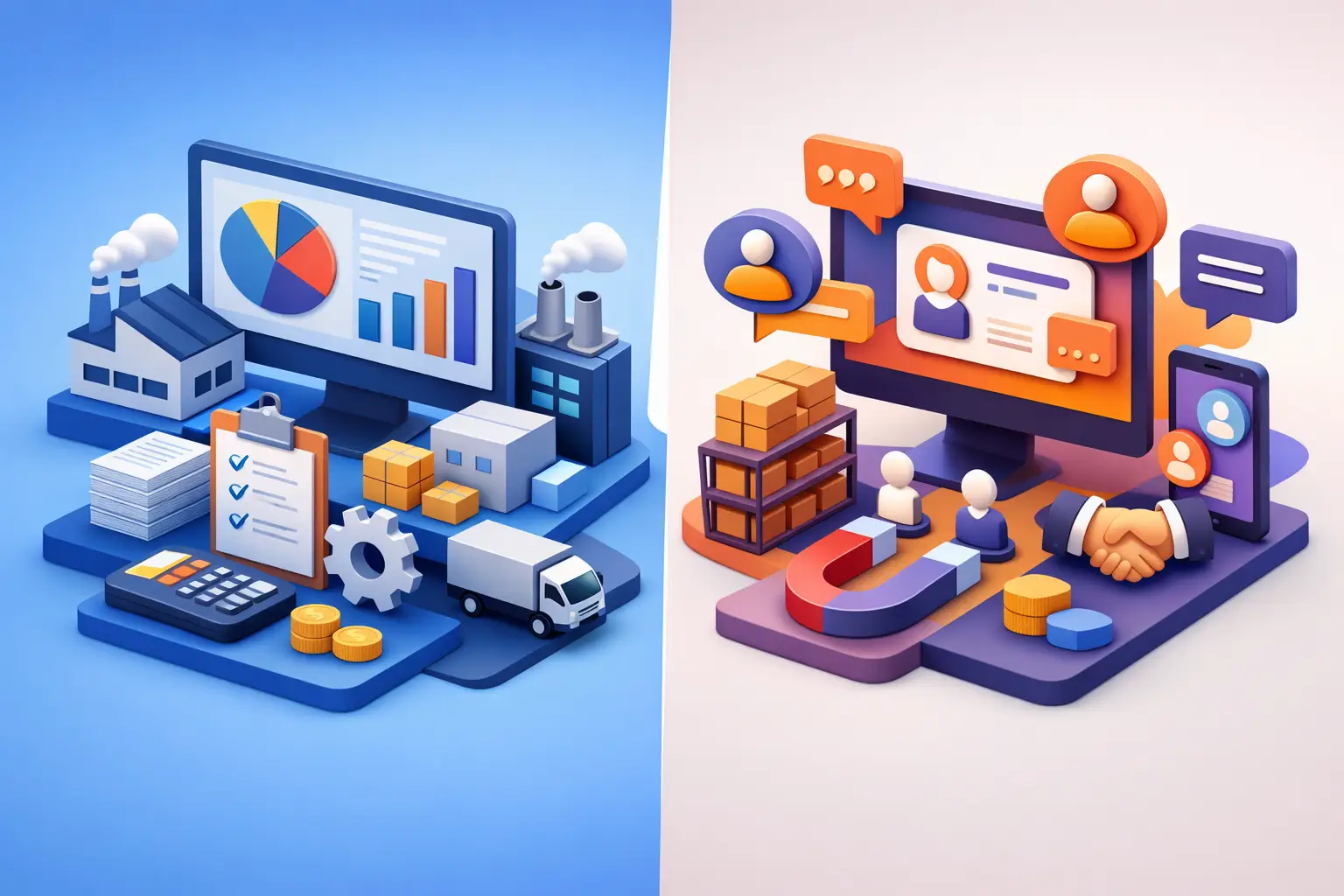
CRM or Business Automation: What Does Your Business Need?
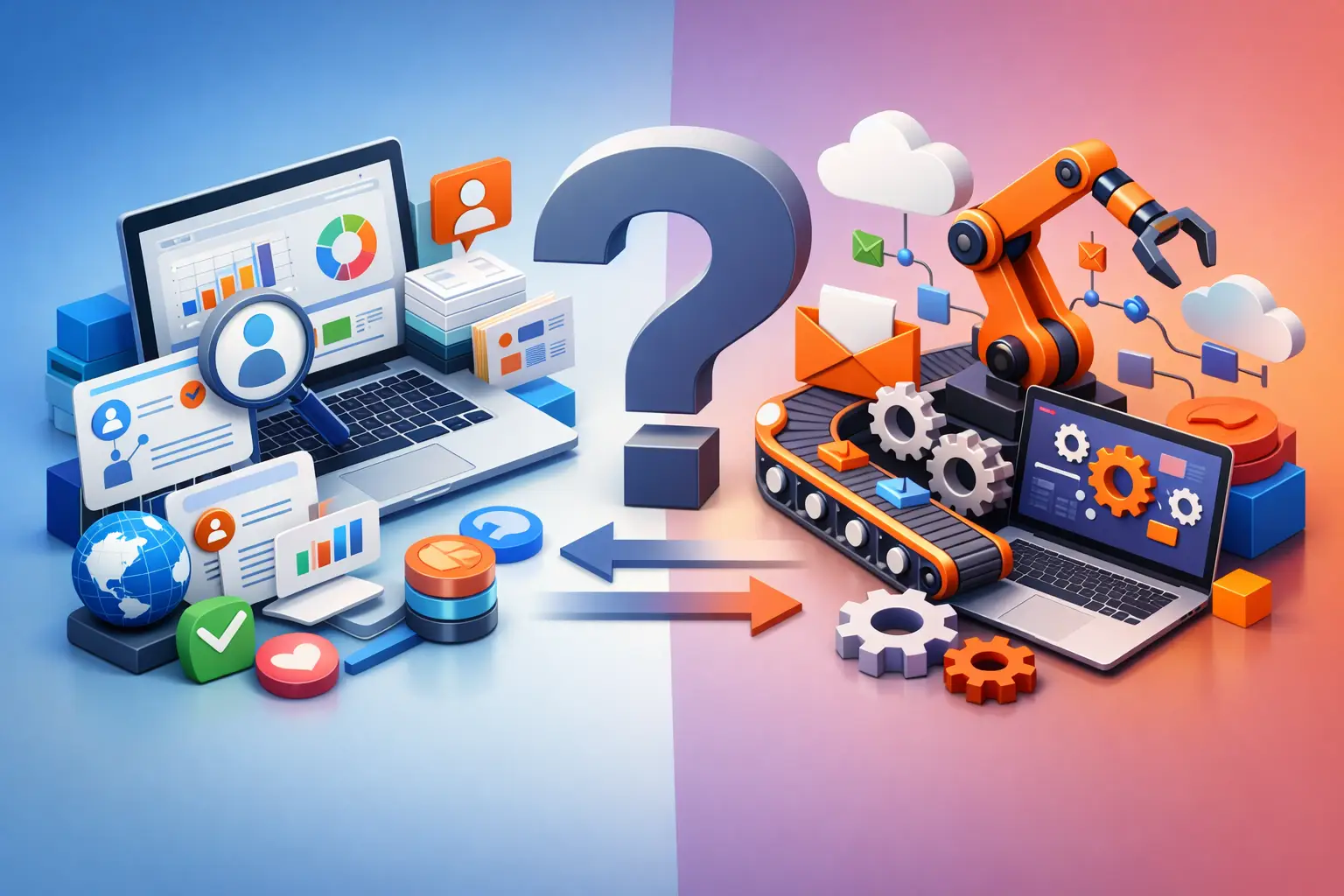
A customer left their details, a salesperson got back to them late, the quote was built manually, and the next status stayed in someone's head instead of in the system. At this point, the question is not only whether to choose CRM or business automation. The more precise question is which process is preventing the business from responding quickly, following up correctly, and growing without increasing the management burden.
CRM and business automation solve different problems, but most businesses need them to work together. A CRM organizes the relationship with the customer and the sales process. Business automation connects actions, systems, and people so that work moves forward without manual reminders, copying data, or repeated checks. The right choice starts with mapping your operational reality, not with choosing a tool.
CRM or Business Automation: The Practical Difference
A CRM system is the source of truth for sales and customers. It lets you manage leads, log calls, set follow-up tasks, track opportunities, store quotes, and see the state of the sales pipeline at any moment. When sales managers ask who got back to the customer, how many deals are at an advanced stage, and what the conversion rate is by lead source, those are CRM questions.
Business automation, by contrast, deals with what happens before, during, and after the human action. For example, a new lead coming in from a form can be created automatically in the CRM, assigned to a salesperson by field or region, trigger an alert to the team, create a follow-up task, and send an initial confirmation message. If no contact is made within a defined time frame, the automation can escalate the handling or alert a manager.
The difference is not semantic. A CRM stores the information and provides an organized sales process. Automation performs actions based on the information and the rules that were defined. A CRM without automation can become a data repository that demands high manual discipline. Automation without a CRM can move information between tools without creating a clear customer picture or real management capability.
When the Problem Is the CRM
A business first and foremost needs a CRM when it has no consistent control over the lead lifecycle. This happens when details are scattered across inboxes, spreadsheets, WhatsApp, and personal notes; when it's unclear who owns each lead; or when the sales forecast is based on gut feeling instead of statuses and data.
Even a small business can feel the problem quickly. A business owner who receives dozens of inquiries a month may still manage to remember some of them, but as the volume of work grows, memory becomes an unreliable work process. Customers who didn't get a timely response don't always complain - they simply turn to a competitor.
In such a situation, a CRM implementation should start with basic, clear definitions: what stages exist in the sales funnel, what counts as a quality lead, when an opportunity is considered lost, which mandatory fields are required, and which action must happen at each stage. A system with dozens of fields and complex processes will not solve an adoption problem. It will only add friction.
Signs It's Time for a CRM
If the team struggles to answer how many open leads exist, if quotes are sent without follow-up, or if a customer keeps retelling their story on every call - the customer relationship infrastructure is missing. In this case, automation can help later, but it won't replace a data structure and organized management of the sale.
When the Problem Is Business Automation
Many businesses already work with a CRM but still waste hours on repetitive actions. The sales team copies details from a form into a new customer record, an operations manager manually checks whether a quote was sent, and service staff update the same data in several systems. Here the bottleneck is not necessarily missing information - it's a fragmented workflow.
Business automation is especially suited to processes that repeat, are based on clear rules, and cause delays when performed manually. For example, onboarding a new customer can trigger opening a file, creating tasks for the team, requesting documents, updating an internal status, and sending a tailored welcome message. Instead of someone chasing every step, the system manages the sequence and flags exceptions that require human attention.
The value is not only time savings. An automated process reduces errors, creates a service standard, documents execution, and lets management identify where work gets stuck. When every action depends on one person reminding another, it's hard to measure performance and hard to scale without hiring more people.
Automation Isn't Meant to Make Everything Robotic
There are actions where personal judgment matters more than speed. A complex sales call, handling an unhappy customer, or approving an exceptional price should not go through full automation. The goal is to remove the administrative work around the decision, not to eliminate the decision itself.
Therefore, a good process includes control points. The system can prepare a quote based on existing data, alert about a missing document, or route a task to the right person. The approval, the final wording, or the handling of a sensitive case remain in the team's hands. This way you get speed without giving up professional accountability.
The Common Case: CRM with Business Automation
In most growing companies, the answer is not CRM or business automation, but a CRM connected to business automation. The CRM centralizes the customer, the opportunity, the conversations, and the statuses. The automation layer triggers the right actions according to what happens in the system and in other information channels.
Think about a quoting process. A lead comes in and is scored by inquiry source, service type, and the information they provided. The salesperson receives a task with all the necessary context. After the discovery call, a draft quote is created from a template and the data is logged on the customer record. If the quote wasn't opened or no response was received, a follow-up task is created. When the quote is approved, the process moves on to operations, document collection, billing, and reporting - without the information having to be passed manually between departments.
This is a shift from operating a collection of tools to operating one business system. It's especially important for service companies, agencies, consultants, and teams where every deal involves sales, quoting, delivery, collection, and customer retention. Without a connection between the stages, the business may look efficient in each department separately, but lose time and revenue in the handoffs between them.
How to Choose the Right Starting Point
There's no sense in implementing automation on a process that hasn't been defined, and no point in setting up a detailed CRM if the team doesn't know which stage it's working on. The starting point should be the process with the highest combination of business impact and operational friction.
It's worth checking three questions. First, where is money being lost: in slow lead handling, in quotes that get no follow-up, or in delayed collection? Second, where does the team spend most of its time on repetitive actions? And third, what information are managers missing in order to make timely decisions?
If the answer to the first question is unmanaged leads, start with a CRM and a basic sales funnel. If you already have organized data but the handling process is slow and based on copying, start with automation around the existing process. If both problems exist, build an integrated infrastructure but release it in stages: first a clear lead process, then follow-ups and alerts, and later quotes, onboarding, service, and reports.
The Metrics That Prove the Infrastructure Works
A system is not a success just because it went live. You need to define in advance what is supposed to improve and measure it consistently. In sales, metrics can include lead response time, contact rate, conversion rate between stages, sales cycle length, and the rate of closed quotes. In operations, you can measure handling time, the number of delayed tasks, the manual error rate, and the time required to onboard a new customer.
It's equally important to measure data quality. If team members bypass the system, leave fields empty, or manage information in private channels, the reports will create a misleading picture. That's why proper implementation includes permissions, required fields in the right places, clear ownership of every stage, and training that is tied to daily work.
AIA approaches these processes as a management infrastructure, not as a collection of technical connections. The goal is to create one place where you can manage leads, quotes, tasks, alerts, and data, and make sure the system supports the way the business really works.
The next step is not to choose a system from a list of features. Pick one process that creates overload, delays, or lost revenue, document how it is performed today, and define what it will look like when it works correctly. From there you can build a system that frees up the team's time for work that has real value: making decisions, delivering better service, and developing the business.