ERP vs. CRM: Which System Does Your Business Need?
A new lead comes in, a sales rep updates it in a spreadsheet, a quote is sent from a separate document, the invoice is issued in the accounting system, and the operations team gets notified too late. This is exactly where the ERP vs. CRM question turns from a software decision into a substantive business discussion: where does information get stuck, who holds it, and what is the cost of every manual action that isn't documented on time?
Many businesses look for a single system that does everything. In practice, ERP and CRM solve different problems, even if there are areas of overlap between them. The right choice starts with understanding the workflow, the points of failure, and the metrics management needs to see. Only then do you evaluate platforms, automations, and integrations between systems.
ERP vs. CRM: The Difference Starts at the Center of Activity
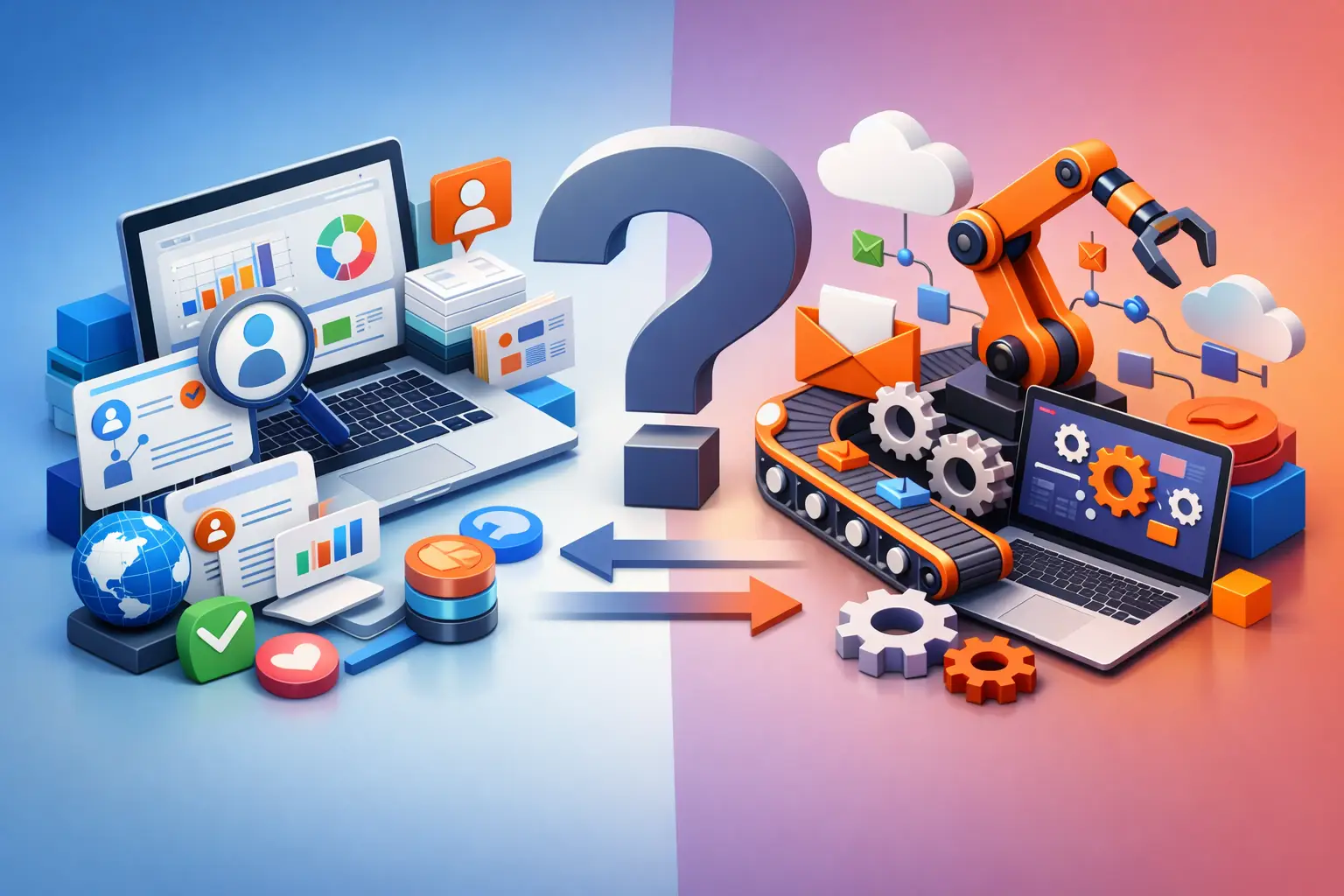
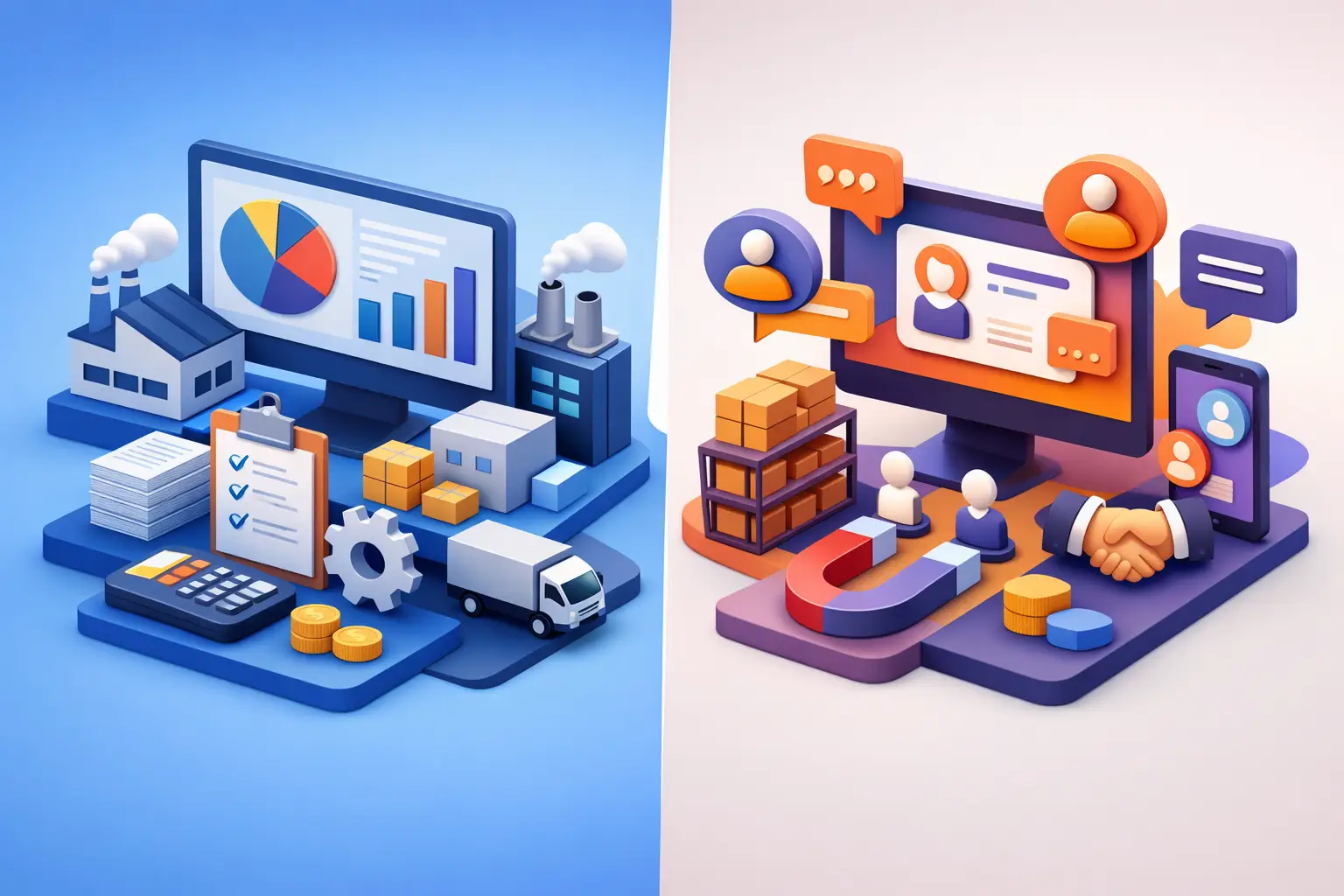
A CRM is a system for managing customer relationships. It centralizes leads, customers, sales opportunities, follow-up tasks, call documentation, quotes, and service activity. Its point of view is the customer journey: where the lead came from, who is handling it, what the chances of closing are, when to follow up, and what happened after the purchase.
An ERP is a system for managing organizational resources. It deals with the activity that happens behind the scenes of the business: finance, procurement, inventory, orders, projects, suppliers, pricing, human resources, and sometimes also production and logistics. Its point of view is the organization's ability to execute: what was ordered, what was delivered, what it cost, what remains in stock, and what the profitability looks like.
The difference can be put simply: a CRM manages the relationships that generate revenue, while an ERP manages the resources and processes that make it possible to deliver that revenue in a controlled way. In a service business, the ERP may focus on projects, work hours, and collections rather than inventory. In a trading company, it will be especially central to managing inventory, orders, and costs.
When a CRM Is the Right Starting Point
If the business is losing leads, struggles with consistent follow-up, or doesn't know the state of its sales pipeline, a CRM is usually the first step. A good system creates a clear process from the moment an inquiry is received: assigning an owner, classifying the lead, reminders, documenting communication, sending a quote, and an orderly handoff to an active customer.
The value isn't just in orderliness. When every activity is documented, a sales manager can identify how many leads came in from each channel, how many received a timely response, where deals get stuck, and which marketing source generates paying customers. For a business owner or a small team, this is often the first time sales stop depending on the memory of a single person.
A CRM is especially suited to businesses that run a sales cycle with calls, meetings, proposals, and follow-up. Agencies, consultants, software companies, professional service providers, and businesses with a sales department will feel the impact quickly. That said, a CRM alone doesn't necessarily know how to manage project costs, inventory, procurement, or complex supply processes.
When an ERP Becomes an Operational Need
An ERP is needed when the main challenge is no longer bringing in more work, but controlling what happens after the work is closed. If teams argue over the version of an order, if inventory data doesn't match reality, if invoices are delayed, or if profitability only becomes clear at the end of a quarter, the problem usually lies in the operational infrastructure.
An ERP system connects the business units on the basis of shared data. An approved order can affect inventory, procurement requirements, task allocation, expected cash flow, and billing documents. Instead of each department maintaining its own file, the organization works from the same up-to-date picture of its activity.
This advantage comes at a price. Implementing an ERP requires more precise definition of processes, permissions, catalogs, pricing rules, and responsibilities between departments. For a small business with a simple service, a broad implementation isn't always justified. By contrast, a growing business that handles a high volume of orders or depends on inventory and suppliers may pay dearly if it continues working with spreadsheets and disconnected files.
Why the Connection Between Systems Matters More Than the Debate
In many cases, the question isn't whether to choose an ERP or a CRM, but how to connect them without creating duplication. The sale starts in the CRM, but after signing it needs to move to operations without re-entering data, without losing details, and without promises the delivery team never saw.
Suppose a services company sells a project. The CRM stores the customer details, the scope of the proposal, the contacts, and the closing terms. Once the deal is approved, the data needs to open a project, allocate resources, create milestones, and support a billing process. If the handoff is done manually, delays, errors, and misaligned expectations arise. If it's defined as an automated process with control points, sales and operations work as one continuous flow.
The integration doesn't have to be complete from day one. Sometimes it makes sense to start by syncing customers, approved deals, and payment status. Once the process is stable, you can expand to automations for quotes, exception alerts, project creation, and management reports. The goal isn't to connect every field to every field, but to pass along the data needed for decisions and execution.
Signs That Your Current System Is No Longer Enough
Some businesses have a CRM but continue to manage quotes, tasks, and collections manually. Others use an ERP, but their salespeople manage leads in WhatsApp and email inboxes. In both cases, the system exists but doesn't reflect how the work is actually done.
One clear sign is dependence on specific people to know what's happening. If an employee goes on vacation and the leads, quote statuses, or customer details disappear with them, there is no managed process. Another sign is a proliferation of manual reports: meetings dedicated to collecting data, repeated questions about status, and documents recreated because no one knows which version is the current one.
Partial measurement is also a problem. Managers need to be able to see the relationship between demand and revenue, between workload and resources, and between revenue and profitability. When data is scattered across systems, reports can be produced, but they are hard to trust in real time. The right system doesn't replace managerial judgment, but it prevents decisions from being made on gut feeling alone.
How to Choose Without Buying a System That's Too Big
The choice should start with mapping a single process end to end. Pick a process that repeats itself and hurts performance when it's not managed well, such as lead handling, quote approval, project opening, or collections. Check who is involved at each stage, what information is required, what is passed along manually, and where waiting time is created.
Next, define a measurable outcome. In a CRM, this could be a reduction in lead response time, an improvement in follow-up rate, or greater accuracy in the sales forecast. In an ERP, it could be shorter delivery times, fewer billing errors, cost control, or improved inventory availability. A measurable outcome prevents choosing based on an impressive feature list that won't necessarily serve the business.
It's also important to assess adoption capability. An excellent system that people don't log into every day becomes just another partial data repository. That's why you should plan simple fields, clear responsibility, useful alerts, and dashboards suited to each user's role. Good automation reduces unnecessary actions, but it shouldn't hide an unclear process.
AI and Automation: An Execution Layer, Not Decoration
AI and automation can strengthen both CRM and ERP when they are tied to a defined operational need. In a CRM, you can classify inquiries, summarize calls, suggest a follow-up task, and identify leads that were left unanswered. In an ERP, you can alert on exceptions, assist in generating documents, identify patterns in expenses, and route tasks according to rules.
But automation doesn't fix inconsistent data or undefined responsibility. If there is no agreement on what counts as a quality lead, on when a deal is handed off to operations, or on who owns a task, the technology will only accelerate the confusion. First define the process, then build clean data, and only then add automations that create pace and control.
The right system is the one that lets the business see the full picture without turning every action into a project. Start with the bottleneck that slows revenue or execution, build a unified process around it, and expand the infrastructure only when the activity requires it. That's how ERP and CRM turn from separate software tools into a management system that keeps the business moving and in control.