How to Create an Effective, Measurable Digital Onboarding Process

A customer who closed a deal but doesn't know the next step, or a new employee searching for information across messages, files, and different people, starts their relationship with the organization feeling uncertain. This isn't just a user experience problem. It's an operational failure that creates team overload, delays, drop-off, and missing data. The question of how to create a digital onboarding process is really a question about control: how do you move a person from a starting point to independent action in a consistent, documented, and measurable way.
Digital onboarding is not a sequence of automated messages. It's a scheduled business process that connects information, tasks, approvals, reminders, and success metrics. It needs to serve the new user, but also let the team see exactly where each person stands, what's missing, and what requires human intervention.
Start by Defining the Business Outcome
Before choosing a system, building a form, or drafting a welcome message, you need to define what the moment of success is. For a new customer, it might be completing account setup, uploading documents, a first meeting, or first use of the product. For a new employee, it might be completing mandatory training, receiving permissions, and working independently on a defined task.
This definition prevents a common mistake: measuring message opens instead of measuring progress. An opened message is not necessarily a completed action. A good process relies on clear business events - a document was signed, details were entered, access was activated, training was completed, or a task was done on time.
It's also important to distinguish between types of onboarding. A customer who purchased a complex service needs needs discovery, expectation alignment, and timelines. A customer joining a simple product needs quick guidance toward first value. A new employee needs a different track based on role, department, and permission level. There is no single process that fits everyone, but there can be a single infrastructure that manages them all.
How to Create a Digital Onboarding Process Based on a Real Journey
The right approach is to map the journey as it actually happens, not as the organization would like to think it happens. Talk with sales, service, operations, and HR people. Check which questions keep recurring, which documents are sent manually, where people wait for approval, and what makes the team chase after a new customer or employee.
After mapping, build the process around clear transition points. Each point needs an owner, a required action, and a condition that triggers the next step. For example, after a proposal is signed, you can automatically create a customer record, send a data collection form, open a task for the account manager, and update the process status. Once the form is completed, the system can trigger scheduling for a kickoff meeting and alert you if essential details are missing.
Instead of loading ten links onto the new joiner in a single message, break the process into short moments. At each moment it should be clear what's needed now, why it's needed, and what will happen after completion. A short explanation of the action's value increases completion more than a generic reminder like "please complete as soon as possible."
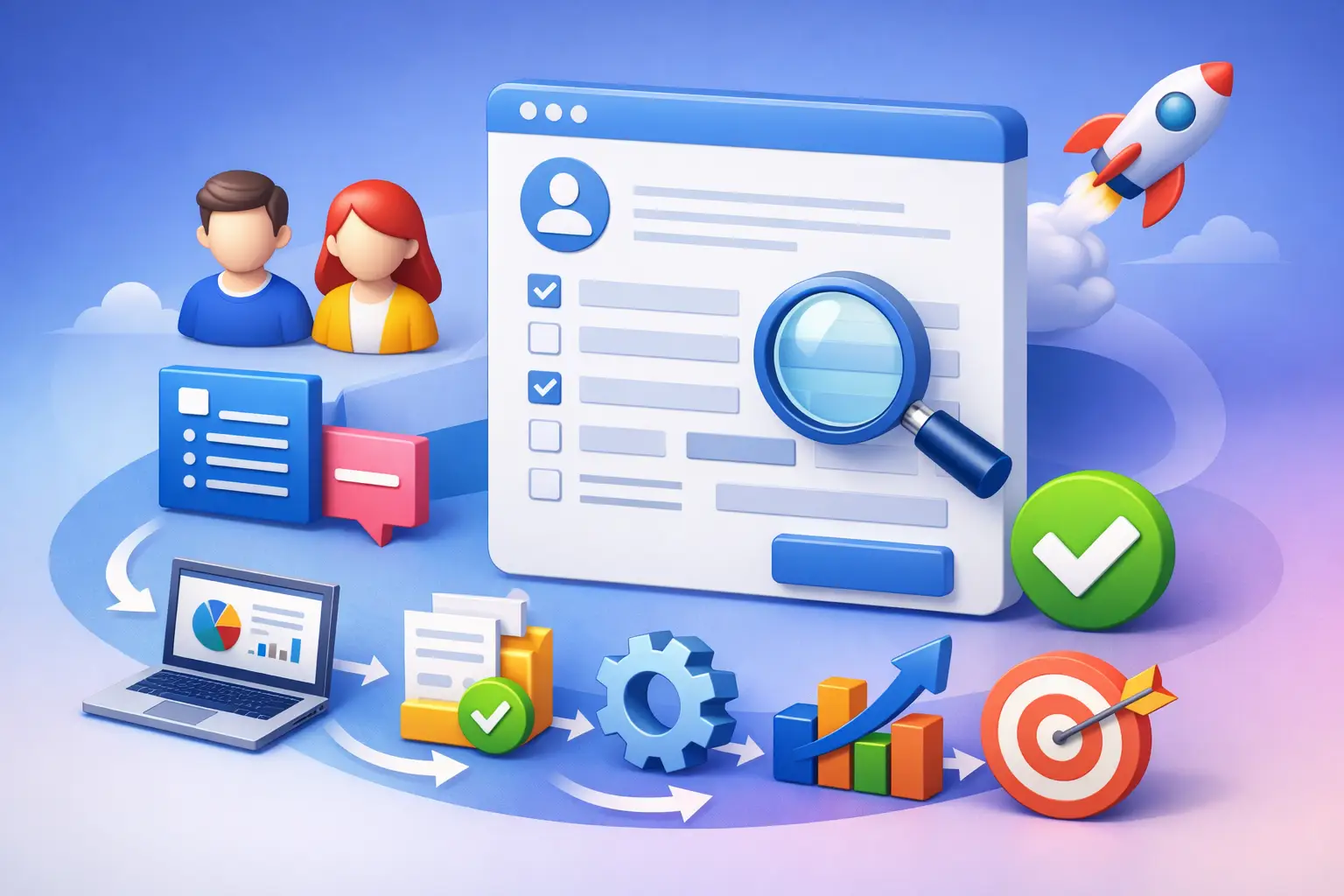
Six Stages Worth Defining in Advance
- Entry trigger: The event that starts the process, such as a closed deal, a signed contract, or a hired employee.
- Information collection: Forms, contact details, documents, preferences, permissions, and data needed to continue the work.
- Validation and approval: Checking that the information is correct, approval by a responsible party, or completion of regulatory and operational requirements.
- Activation and guidance: Opening access, scheduling meetings, presenting first tasks, and providing relevant content by role or service.
- Progress tracking: Statuses, reminders, and alerts to the team when someone isn't progressing within the defined time.
- Value measurement and improvement: Examining completion time, drop-off rates, recurring questions, and completion of core actions.
The stages don't have to be long. Especially in organizations with personal service, automation should remove the manual chasing and leave people with the conversations that carry professional or commercial value.
Build One System, Not a Collection of Tools
One reason onboarding processes fail is fragmentation across systems: a form in one system, customer details in a spreadsheet, documents in a folder, tasks in a chat, and reminders in a personal calendar. Even if each tool works well on its own, the team loses the overall picture. The new user feels the fragmentation immediately, especially when asked to provide the same details more than once.
The goal is to create a central data source where every participant in the process gets a status. This source should connect to lead management, proposals, tasks, documents, alerts, and reports. Not every organization needs a complex platform, but every organization needs a simple rule: information collected once should serve the entire process.
Proper planning also includes handling exceptions. What happens if a customer didn't fill out a form? What happens if a document is rejected? Who gets an alert if an employee still hasn't received access on the first day? Automation that can't identify stalls just moves the problem to a less visible place. That's why you should define target times, a first reminder, escalation to a responsible party, and a human checkpoint in sensitive cases.
Short, Precise, Context-Based Content
Good onboarding respects the user's time. Instead of a long guide nobody reads, provide instructions based on the current action. If a document needs to be uploaded, explain which document, in what format, and why it's needed. If the user needs to perform an action in the system, show a short example or a focused video.
Personalization doesn't have to be complex. Using a name, the purchased service, the role, or the stage in the process already changes the relevance of the message. That said, be careful of over-personalization that increases maintenance complexity. If every customer gets a completely unique track, it's hard to measure, improve, and replicate success. It's better to build base tracks by customer type or role, and add exceptions only when there's a clear business justification.
Measure Friction, Not Just Sending Pace
A digital process lets you know where people get stuck, but only if you measure the right data. Core metrics can include time from joining to the first valuable action, form completion rate, kickoff meeting attendance rate, number of support requests in the first week, and the rate of transition to active use.
Alongside these metrics, check the internal load. How much time does the team spend on manual follow-up? How many times is the same data entered? How many tasks are opened late? Improving onboarding isn't just improving how the customer or employee feels. It should reduce operational cost and create the ability to handle a larger volume without a parallel increase in headcount.
It's worth setting a monthly or quarterly review point. Choose one bottleneck, examine the cause, change one component of the process, and then compare results. Sometimes the solution is clearer wording. Sometimes it's removing an unnecessary form field, and sometimes it requires connecting systems to prevent a full day of waiting.
Where Automation and Artificial Intelligence Add Value
Automation fits fixed, predictable actions: opening records, assigning tasks, sending reminders, updating statuses, and transferring information between systems. Artificial intelligence can help sort inquiries, summarize collected information, identify missing documents, draft initial responses, or detect users at risk of drop-off based on behavior patterns.
The choice isn't between automation and human touch. A complex service, a strategic customer, or an employee in a sensitive role still needs a personal conversation. The difference is that the conversation happens with full context: the person handling it sees what's already been completed, what's missing, and which questions came up. This way, technology strengthens control instead of replacing judgment.
At AIA, such a process is built as a management infrastructure, not just a sequence of messages: centralized data, clear ownership, timely alerts, and reports that let you decide what to improve.
Start with one track where friction is already felt - for example, the transition from lead to active customer or onboarding a new employee. Once you define a clear first action, collect the right data, and make sure no task disappears between systems, onboarding will turn from a point of overload into a point of control that advances the business.