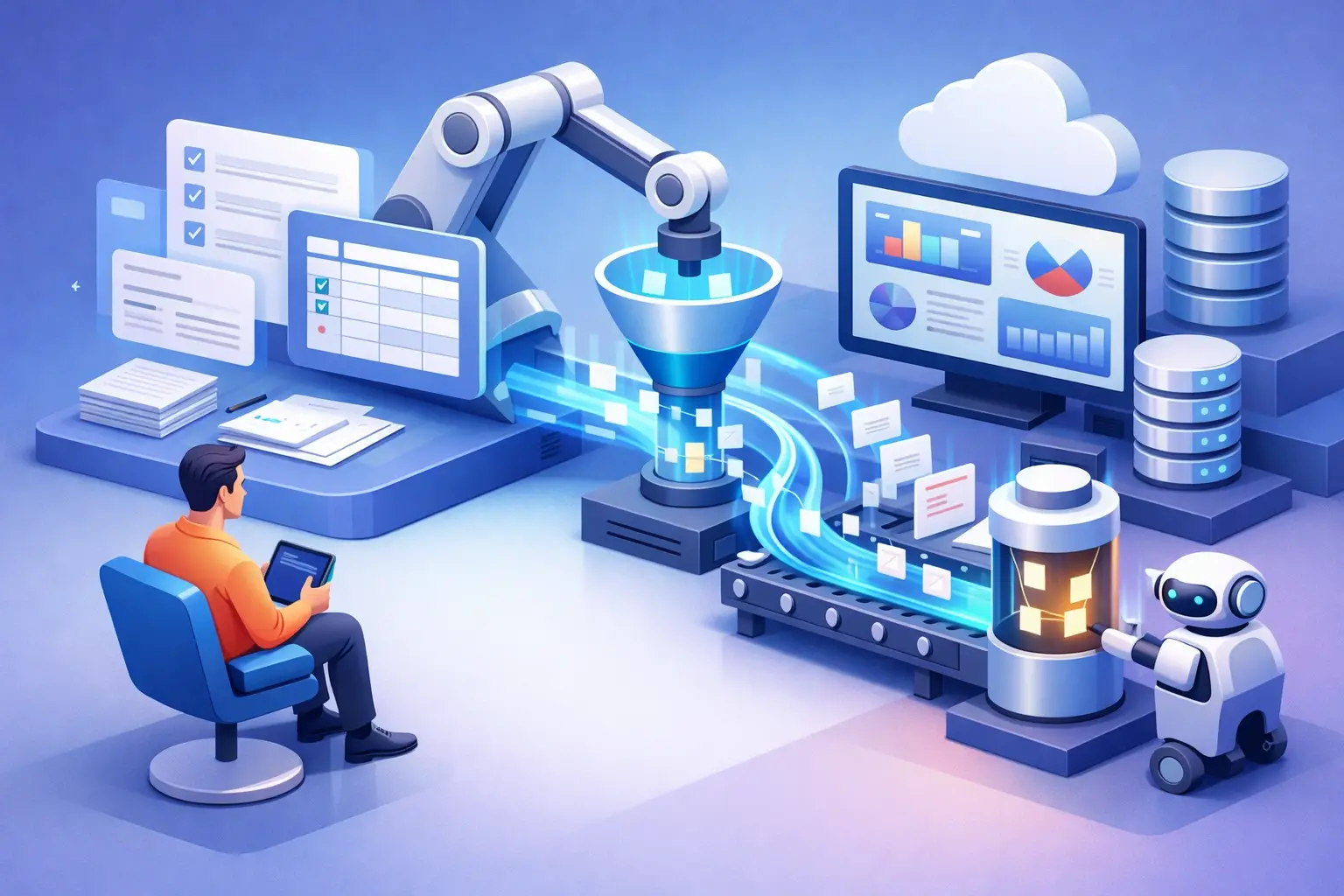
How to Unify Digital Work Tools Without Losing Control

The problem usually starts with a simple task: a lead comes in from a form, a salesperson updates it in the CRM, a quote is built in a separate document, and the status is sent in a messaging group. Each tool does its job, but the business as a whole works around them. Anyone looking into how to unify digital work tools isn't necessarily looking for more software - they're looking for a way to regain control over processes, information, and accountability.
Fragmentation across systems creates costs that are hard to see in an expense report: hours spent copying data, leads that never got a response, conflicting versions of quotes, and decisions made by gut feeling instead of data. Proper unification doesn't mean deleting every existing tool. It means defining a working system where it's clear where each piece of information is created, who handles it, and what happens next.
Why Having Too Many Tools Becomes an Operational Problem
Businesses often grow through point solutions. An email marketing system is added to send campaigns, a spreadsheet to track sales, a task management tool to manage the team, and invoicing software to close deals. Each choice looks reasonable on its own. Over time, a manual work layer forms between the tools, and it becomes the informal process the business relies on.
The price isn't just duplication. When a customer leaves their details, but the handling status sits with the salesperson and not in the central system, the manager has no reliable picture of the pipeline. When the operations team can't see whether a proposal was approved, the start of a project is delayed. And when marketing, sales, and service data are separated, it's hard to identify which sources the truly profitable customers come from.
Unifying systems should answer three basic questions: what is the trusted source of information, which actions need to pass automatically between role holders, and what data is required for management and decision-making. Without answers to these questions, replacing one system with another will just move the mess into a new interface.
How to Unify Digital Work Tools by Process, Not by Application
The common mistake is to start by comparing features. It's easy to be impressed by a dashboard, an AI bot, or a ready-made integration, but technology needs to serve a defined business process. The right starting point is mapping the work as it's actually performed, including the shortcuts no one documented.
First, choose two or three processes that directly affect revenue, time, or service quality. In most businesses these are lead intake and follow-up, creating and approving quotes, or the transition from sale to project kickoff. For each process, document the entry point, the owners, the information collected, the decisions made, and the action that completes the process.
Suppose a lead arrives from a campaign. The unified system should know which source it came from, prevent the creation of a duplicate record, assign it to the right person, create a follow-up task, log the communication, and show the manager whether handling is meeting its target. Not all actions have to happen in the same tool, but the team must not have to guess where the up-to-date information is.
Define a Central System for Each Critical Area
A central system is not necessarily a single platform that replaces everything. Sometimes it makes sense to keep a professional system for a specific domain, such as accounting or digital signatures, and connect it to a central operational infrastructure. The decision depends on the complexity of the business, security requirements, activity volume, and the team's ability to adopt change.
The key principle is data ownership. A customer should have one identifier. A deal should have one status. A quote should have one source from which you can tell what was sent, what was approved, and what requires follow-up. When the same data is maintained manually in three systems, the question isn't whether a conflict will arise but when.
In many cases, a CRM is the natural hub for managing leads, customers, and opportunities. In other cases, a work management system or an operations management platform will be the core. There is no single answer: a services business with a sales team needs a different structure than a project company or an independent professional. What matters is that the core fits the workflow, not just the vendor's sales presentation.
First Clean the Data, Then Connect the Systems
Automation that connects faulty data spreads errors faster. Before migrating or connecting, you need to standardize field names, remove duplicates, and decide which data to keep. Customers with no activity for years, inconsistent tags, and vague statuses like "in progress" or "call back" are not a basis for reliable reporting.
It's worth making fields mandatory only where they're necessary for the process to continue. If a salesperson is required to fill in twenty fields when creating a lead, they'll either put off the work or enter unreliable information. By contrast, lead source, owner, status, and next action date are data points that enable control. In-depth information can be collected gradually, as the relationship with the customer progresses.
The status structure also requires discipline. A good status describes a business state you can act on: new lead, contact made, meeting scheduled, proposal sent, closed-won, or closed-lost. It isn't meant to serve as a notepad. Notes and context are important, but they're no substitute for a clear operational state.
Where Automation and AI Create Real Value
Once the process and data are defined, you can connect automations that prevent repetitive work. A new lead can create a record, be assigned automatically, trigger an alert, and open a follow-up task. Changing a proposal's status to approved can open a project, generate a task list, and notify the relevant team. The goal isn't to build an automation for every action, but to remove points where manual work causes delays or information loss.
AI can contribute where there's a high volume of text or recurring decisions: summarizing calls, classifying inquiries, extracting details from forms, drafting a proposal, or identifying deals that haven't been handled. But here too, rules are needed. An AI system that drafts a message to a customer shouldn't send it without approval in sensitive situations. A system that scores leads should work from clear business data, not from assumptions that can't be explained.
The right balance is between automation and oversight. Routine, predictable, low-risk actions suit full automation. Decisions that affect pricing, customer commitments, or deviations from policy should go through human approval. That way you gain speed without giving up accountability.
Control Is Part of the System, Not a Report Prepared at the End of the Month
A unified system needs to turn data into action. A manager needs to see how many leads came in, how many were handled within the defined timeframe, how many proposals are open, what the close rate is, and where the bottleneck in the process lies. The team needs to know clearly what their next task is, not just what happened in the past.
Dashboards are useful only when the metrics are tied to decisions. If the conversion rate from meeting to proposal is low, you should examine the quality of the meetings, the scoping process, or the structure of the proposal. If proposals are sent but get no response, an automated follow-up sequence may be missing, or ownership may not be defined. The data points to the question, but the process is what provides the answer.
It's also important to define exception alerts, not just general metrics. A lead not handled within 24 hours, a proposal not yet opened, a project running behind schedule, or a deal with no next action - these are events that require real-time attention. Good control isn't an extra burden on the team; it eliminates the need to chase information after the fact.
Gradual Implementation Beats an Overly Large Project
Trying to replace all work tools in a single day creates resistance and risk. The team still needs to serve customers, close deals, and run the business while the system is changing. It's therefore better to start with one high-impact process, run it with a small group of users, measure the result, and improve before expanding.
Implementation success also depends on management accountability. You need to decide who owns each process, who approves changes to fields and statuses, and who verifies that the team is working according to the new rules. A good system without work discipline will quickly revert to being a partial data repository.
Unifying digital work tools is not an IT project detached from the business. It's a move that defines how information flows, how teams collaborate, and how managers know what's really happening. Start with a process where information loss is already costing you money or time this week, assign it an owner and a single success metric, and only then build the technological connection around it.