How to Connect All Your Business Systems Without Losing Control
A lead leaves their details in a form, the salesperson copies them into a spreadsheet, the quote is sent from a different file, and the customer who already signed still doesn't appear in operations. This is not a problem of insufficient effort on the team's part. It is a direct result of systems that don't talk to each other. The question of how to connect all your business systems is not purely technical - it is a question of control, response speed, and decision quality.
A business may work with a CRM, an email marketing system, accounting software, a task management tool, a quoting system, forms, a calendar, and advertising platforms. Each of them may be good on its own. The problem begins when information passes between them manually, stays with a specific employee, or gets updated late. The right integration doesn't require replacing every existing tool. It requires deciding what the desired business process is, who is responsible for each piece of data, and which actions should happen automatically.
Why Disconnected Systems Cost More Than They Seem
The price of fragmented systems is not just administrative time. A lead that didn't receive a timely response may disappear. A quote that didn't get a reminder is forgotten. Campaign data that isn't connected to revenue leads to marketing decisions based on partial information. And when a manager has to request updates from three people to understand the state of sales, there is no snapshot they can actually manage by.
Connecting systems creates a continuous workflow: data enters once, is updated in the right place, triggers the appropriate action, and remains available to authorized team members. Instead of asking who updated the file last, you can see what happened, when, and by whom. This is the difference between a collection of digital tools and an operational infrastructure.
Before You Connect: Map the Workflow
A common mistake is to start by choosing an automation tool or setting up an API connection. First you need to understand the actual path the work takes. Not the path as it appears in an old procedure, but what really happens from the first inquiry through payment, delivery, and customer retention.
Start with the Customer Journey, Not the Software List
Choose one process with a clear business impact, for example handling incoming leads. Write down what happens from the moment a customer fills out a form: where the details go, who gets notified, how quickly a ticket is created, where the conversation is documented, when a quote is sent, and what happens if there is no response. Then check at which points someone copies information, searches for data, or relies on personal memory.
The same principle applies to quoting, billing, new customer onboarding, support, and remarketing processes. Good mapping exposes duplication, bottlenecks, and gaps in responsibility. Sometimes it turns out that the problem is not that the systems aren't connected, but that there is no clear definition of when a lead becomes an opportunity, when a deal moves to operations, or who approves exceptions.
Define an Owner for Every Piece of Data
Every key piece of data should have a single source defined as reliable. For example, the CRM can be the source of truth for customer details and sales status; the accounting system will be the source of truth for invoices and payments; and the project management system will be the source of truth for tasks and work delivery.
Without this decision, conflicting updates arise. An employee changes a phone number in one system, another system keeps sending messages to the old number, and later it is hard to know which version is correct. A quality integration is not just about transferring information - it is also about clearly determining where information enters, where it is updated, and what must not be duplicated.
How to Connect All Your Business Systems Through a Single Work Layer
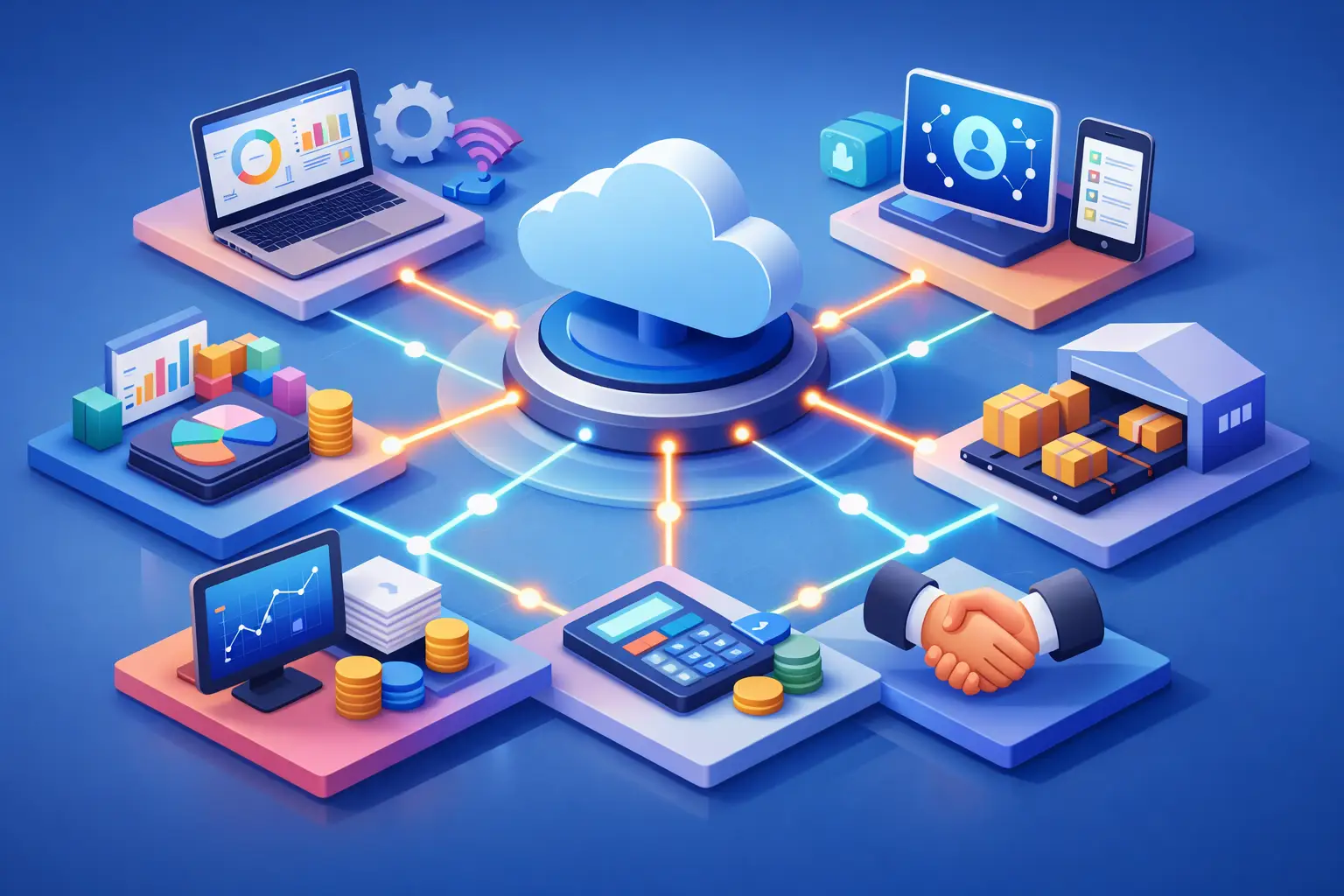
In most cases it is not right to build a giant system that replaces every existing solution. It is better to create a work layer that connects the tools and organizes the processes between them. The layer can be based on built-in integrations, APIs, Webhooks, or an automation platform, depending on the existing systems and the level of complexity.
A built-in integration is suitable when two systems support each other and the data requirement is relatively simple. An API is suitable when you need precise control over fields, logic, and the scope of data transfer. Webhooks are effective when an immediate response to an event is required, such as lead creation or a payment. An automation platform can shorten implementation time for common processes, but it is not a substitute for proper specification.
The choice depends on the scale of operations. A small business with a clear sales process can gain a great deal from a focused connection between a form, CRM, calendar, and email marketing system. A company with several teams, lead sources, complex pricing, and different permissions will need a more precise architecture, including documentation, error handling, and security controls.
Build Automations Around Business Events
Good automation starts with a meaningful event: a new lead comes in, a quote was opened, a deal was approved, an invoice was paid, or a customer didn't receive a response within the defined time frame. Around this event you can build actions that prevent delays and reduce manual work.
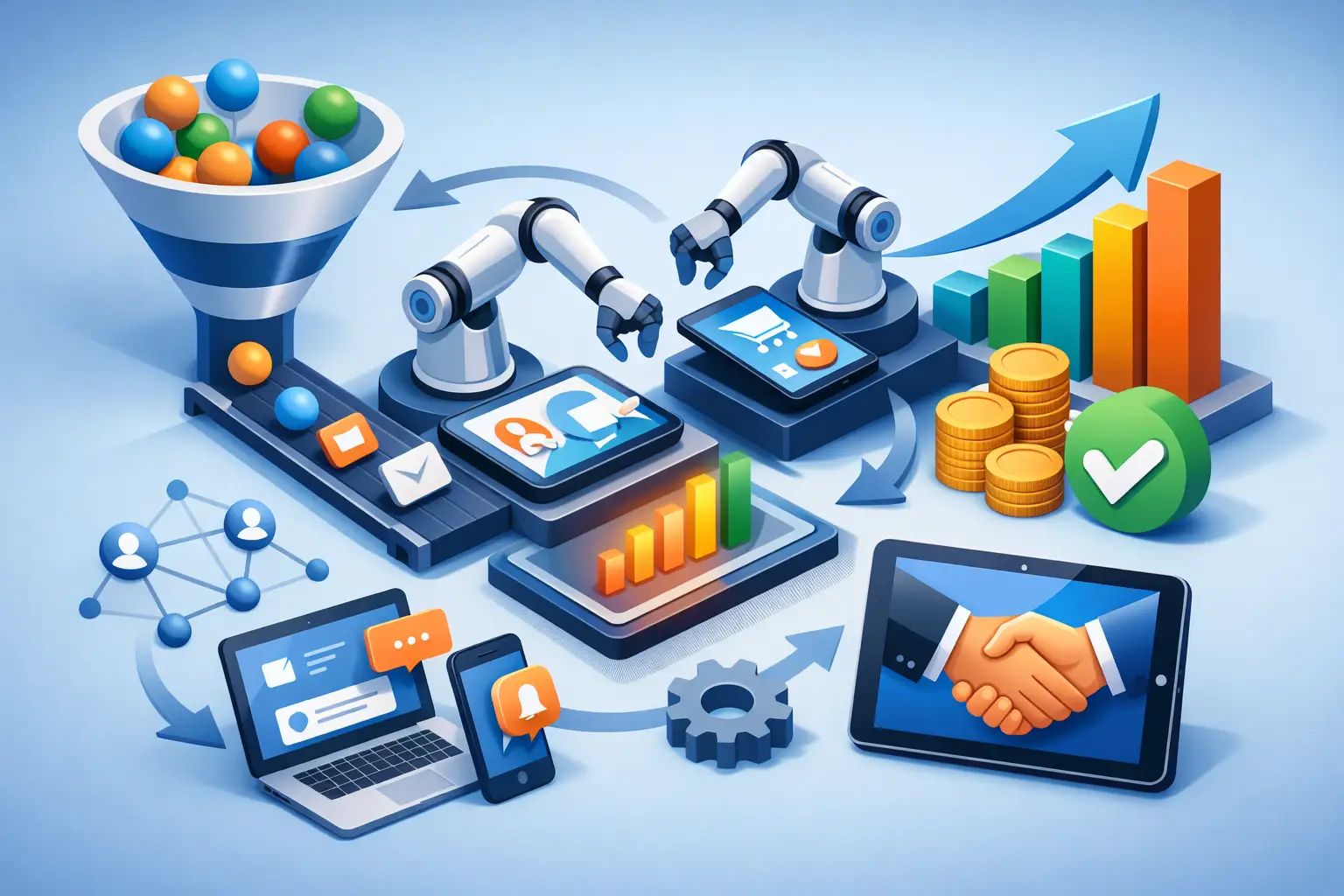
For example, when an inquiry comes in, the system can create a contact in the CRM, identify the lead source, assign it to a salesperson by region or area of interest, send a notification, and open a follow-up task with a due date. If no activity is logged by the set deadline, a reminder is created for the manager or the task is reassigned. The goal is not to flood the team with notifications, but to make sure no opportunity depends on memory.
After a deal closes, automation can pass the customer details to operations, create a customer file, prepare an onboarding task list, and record the payment status. That way sales doesn't need to pass information by email, and operations doesn't start every new customer by manually collecting basic details.
Don't Connect Everything at Once
The desire to solve all problems in one project is understandable, but it is also risky. Connecting too broadly before the process has stabilized can make existing confusion automated and faster. It is better to start with a process that has high volume, an impact on revenue, or a clear manual burden.
It is usually worth prioritizing the flow of leads and sales first, then the handoff of the customer to operations, and later reports and performance management. At each stage, check that the data is correct, that the team understands the new way of working, and that edge cases are handled. Only after the process proves itself do you expand it.
It is also important to define what happens when an integration fails. Is an alert created? Is the data saved for correction? Who handles the issue? Automation without monitoring can create a false sense of security. A reliable process includes logs, exception alerts, and periodic data quality checks.
Reports Should Track Process, Not Feelings
When systems are connected, you can measure the business along the entire path and not only at the entry point. Instead of seeing how many leads arrived, you can see how many received a timely response, how many became meetings, how many quotes were sent, what the close rate is, and what the actual source of revenue is.
The right metrics vary between businesses, but they should reflect real decisions. A sales manager needs to see response time, pace of progress, and stuck deals. A marketing manager needs to understand lead quality and customer acquisition cost. Operations needs to identify workload, turnaround times, and delays. When everyone works with different numbers, there is no unified management.
Maintain Security and Human Accountability
Connecting systems increases the flow of information, and therefore also requires discipline. Not every employee needs access to every piece of data. Permissions should be defined by role, access should be removed from employees who have left, and you should examine which personal or financial details pass between systems. The more sensitive the information in the process, the clearer the procedures required.
Artificial intelligence can also help with sorting inquiries, summarizing calls, drafting text, and identifying tasks, but it is not meant to replace review where there is high financial, legal, or service significance. The recommendation is to start with tasks that repeat themselves and whose results are easy to check, and only then expand usage.
A successful systems integration is not a technology project that ends on go-live day. It turns the business into a place where information moves according to rules, accountability is visible, and decisions rely on data. When you build the integration around the team's real work, each system stops being a lone island and starts contributing to the business result.