How to Reduce Manual Data Entry Without Losing Control
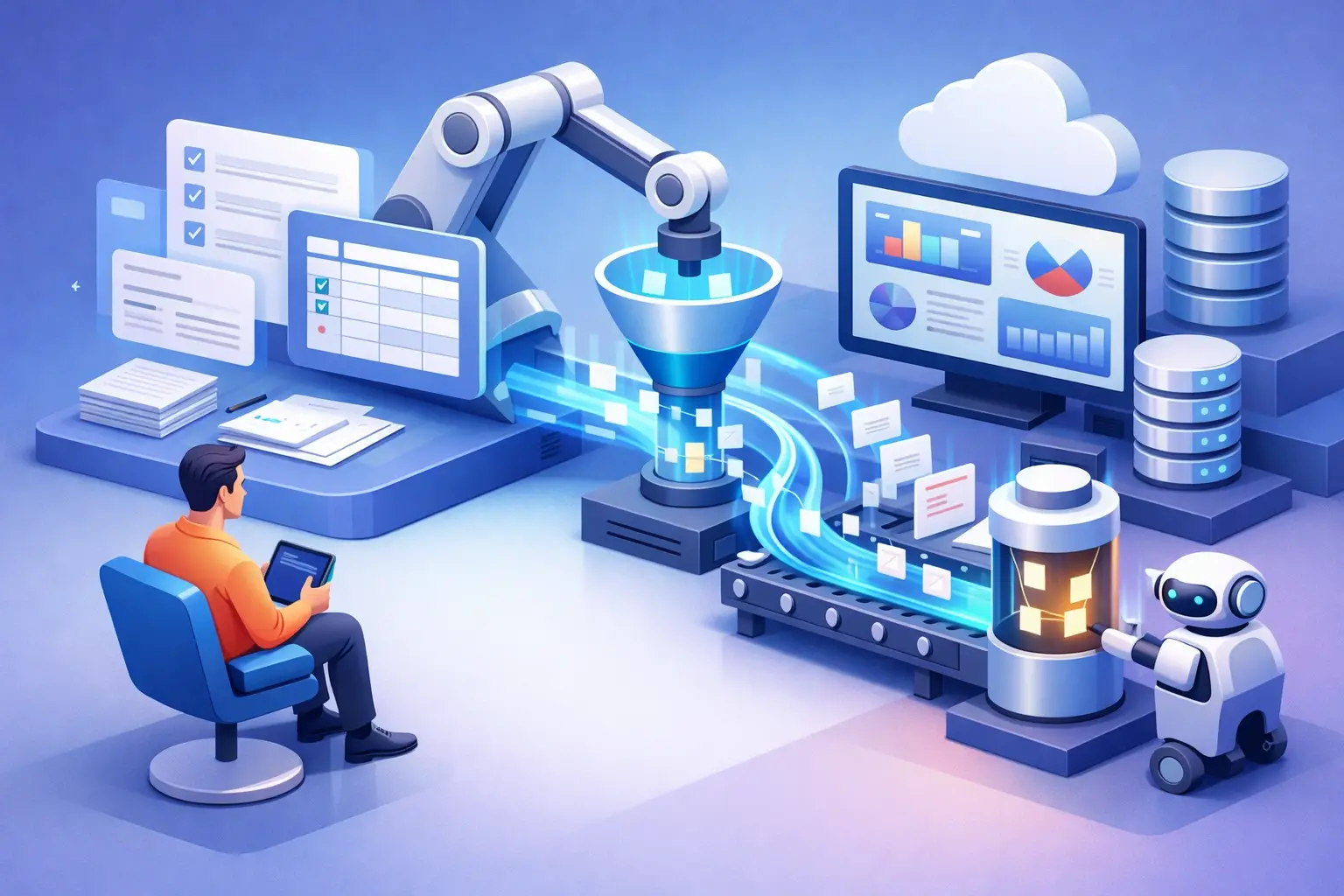
When a lead comes in through a form, a rep copies it into a spreadsheet, then into the CRM, and finally sends a follow-up message manually - the problem isn't just the lost time. Every copy creates a point of failure: missing details, duplicates, a status that wasn't updated, or an inquiry that was forgotten. The question of how to reduce manual data entry is not purely a technical one. It's a question of operational control, data quality, and the ability to grow without increasing the administrative burden.
The solution is not to automate every existing action. A disorganized process that is computerized quickly simply creates chaos faster. The right approach starts with understanding which data is truly required, who uses it, and what action should happen once it enters the system.
Where Manual Data Entry Costs Your Business the Most
The direct cost of manual typing is easy to measure: working hours of the sales, administration, service, or management team. The more significant cost is indirect. Data that wasn't entered on time can delay a quote, undermine lead follow-up, or hide an important trend in reports.
In service-based businesses, friction points are especially common between marketing, sales, and operations. Lead details arrive from a campaign, the website, WhatsApp, or a phone call. The same details are recorded in several places, sometimes worded differently. Later, the quote is created from a template, the task is opened manually, and the invoice or engagement document is logged in another system. Every such handoff requires a person to remember, check, and type.
Not all manual entry is waste. Sometimes a salesperson needs to add a qualitative note about a complex need, or a project manager needs to document a decision that can't be reduced to a closed list. The goal is not to eliminate human judgment, but to stop wasting it on moving the same data between systems.
How to Reduce Manual Data Entry: Start with Mapping, Not Tools
Before choosing an automation system, map one process end to end. Choose a process that recurs frequently and has a clear impact on revenue, service, or operations: lead intake, quote creation, onboarding a new customer, or activity reporting.
Check what trigger starts the process, which fields are collected, where they are stored, who updates them, and what happens if a value is missing. Such mapping usually reveals two phenomena: data that is entered twice unnecessarily, and fields that no one uses but the team is required to fill in.
Define one reliable source for each piece of data. If the CRM is the source of truth for contact details and sales status, there is no reason for a separate spreadsheet to become a parallel repository. If the accounting system is the source of truth for billing, amounts should not be updated manually in another system as well, but rather transferred in a controlled way.
The principle is simple: every field should be created once, updated in a defined place, and reach the relevant systems without manual copying. When there is no clear ownership of the data, even the best automation will struggle to produce a reliable picture.
Building a Data Foundation Before Connections
Integration doesn't fix an inconsistent data structure. If one form has the field "company name," another has "business," and the CRM stores only an email address, connecting them will produce partial or duplicate records.
It's worth defining uniform core fields for each process. For leads, for example, these could be name, phone, email, source, requested service, lead owner, and status. There's no need to collect all the information in the first contact. On the contrary: an overloaded form reduces conversions and increases inaccurate data. Initially collect only what's needed for the first follow-up action, and complete the details later in the process.
It's also important to set validation rules. A uniform phone number format, a verified email address, dropdown lists for statuses, and preventing free-text entry of values that must be identical. These are not small details. They are the difference between a report you can rely on and a table that looks full but doesn't allow decision-making.
Automatic Information Transfer Between Work Points
Once the data is well defined, you can connect intake sources, the CRM, task management tools, quotes, and reporting. For example, a lead who fills out a form can be created automatically in the system, tagged by campaign source, assigned to the appropriate rep, and trigger a follow-up task with a due date.
In the next stage, a status change can trigger another action. A lead marked as qualified might create a request to prepare a quote. An approved quote can open a project, assign tasks, and send a notification to the team. This way the system doesn't just store information, but activates the workflow around it.
The connection should be based on a clear business need. If a small team uses only one system, smart forms, templates, and required fields will sometimes deliver most of the benefit. When there are multiple systems, many lead sources, or growing activity volume, integrations become an essential component in reducing duplicate work.
Use AI Where Processing Is Needed, Not Just Copying
Regular automation moves data from field to field according to a fixed rule. AI can help when the information arrives in an unstructured format: an email, a call summary, a document, or a free-text inquiry. It can extract contact details, identify the subject of an inquiry, summarize an interaction, and suggest an initial classification.
However, AI shouldn't make sensitive decisions without oversight. Classifying a lead, drafting a quote, or extracting data from a document can save a great deal of time, but a team member needs to define the rules, review exceptions, and maintain privacy policies and permissions. Especially in processes involving prices, commitments, or personal information, human oversight remains part of the process.
The right approach is gradual: start with repetitive tasks whose results are easy to check and that have significant volume. Once accuracy is proven, expand the implementation.
Controls That Prevent Automation from Producing Errors at Scale
The more you reduce manual entry, the more important quality controls become. An automated action can save hundreds of minutes a month, but if it assigns leads to the wrong rep or creates duplicates, it can cause damage faster than a manual process.
Define handling for duplicates, required fields, alerts for missing data, and exception rules. For example, if a lead is created with no phone and no email, there's no point in automatically opening a sales task. It's better to route it for review. If a deal moves to the "Won" stage but no amount was entered, you can block the transition or request completion.
Measurement is the second layer of control. Track the rate of missing records, the number of duplicates, lead response time, quote preparation time, and the volume of tasks opened but left unhandled. Such metrics show whether automation is truly reducing the load, or merely shifting it to a later stage.
Implement Gradually and Maintain Team Adoption
The common mistake is trying to replace the entire infrastructure in one day. It's better to choose one process with a measurable goal, run it as a pilot, and gather feedback from the people who actually work in it. If the team still maintains side lists, that is usually an indication that the system isn't showing the needed information at the right time, or that the new step is too complex.
It's worth documenting ownership of each process: who is responsible for form integrity, who handles exceptions, who updates fields, and who reviews the reports. Automation is not a one-time project. Lead sources change, services are added, and sales processes evolve. A good foundation allows controlled change instead of a return to scattered files and private messages.
AIA implements such processes by looking at the full picture: lead data, quotes, tasks, notifications, and management reporting need to work as one system rather than a collection of disconnected tools.
The next step is not to choose the tool with the largest number of features. Choose one process in which people copy information over and over, define a single source of truth, and build an automated action around it with controls. When information starts to flow correctly, the team can devote its time to customers, decisions, and growth - not repetitive typing.