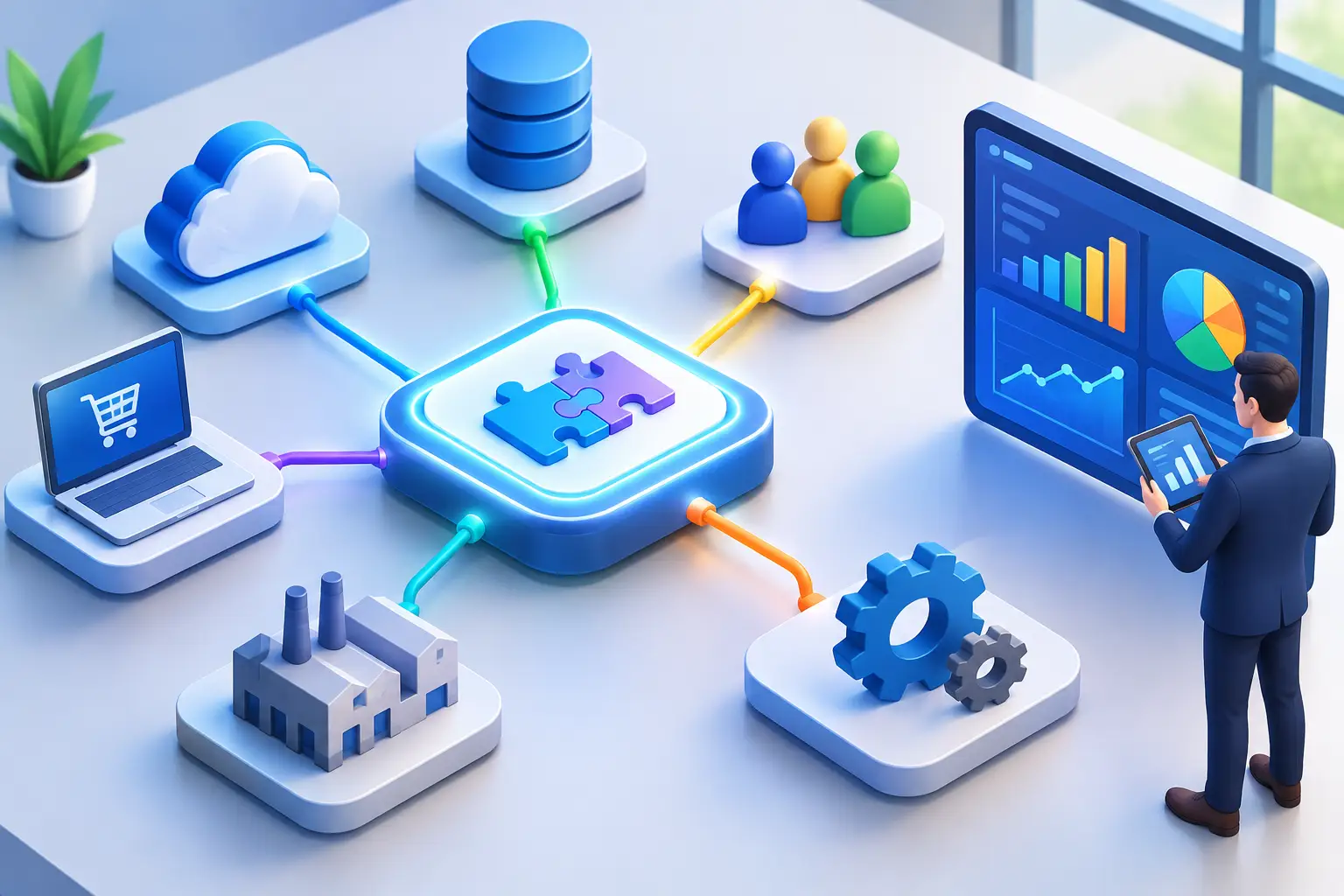
No-Code Integration That Straightens Out Your Business Operations
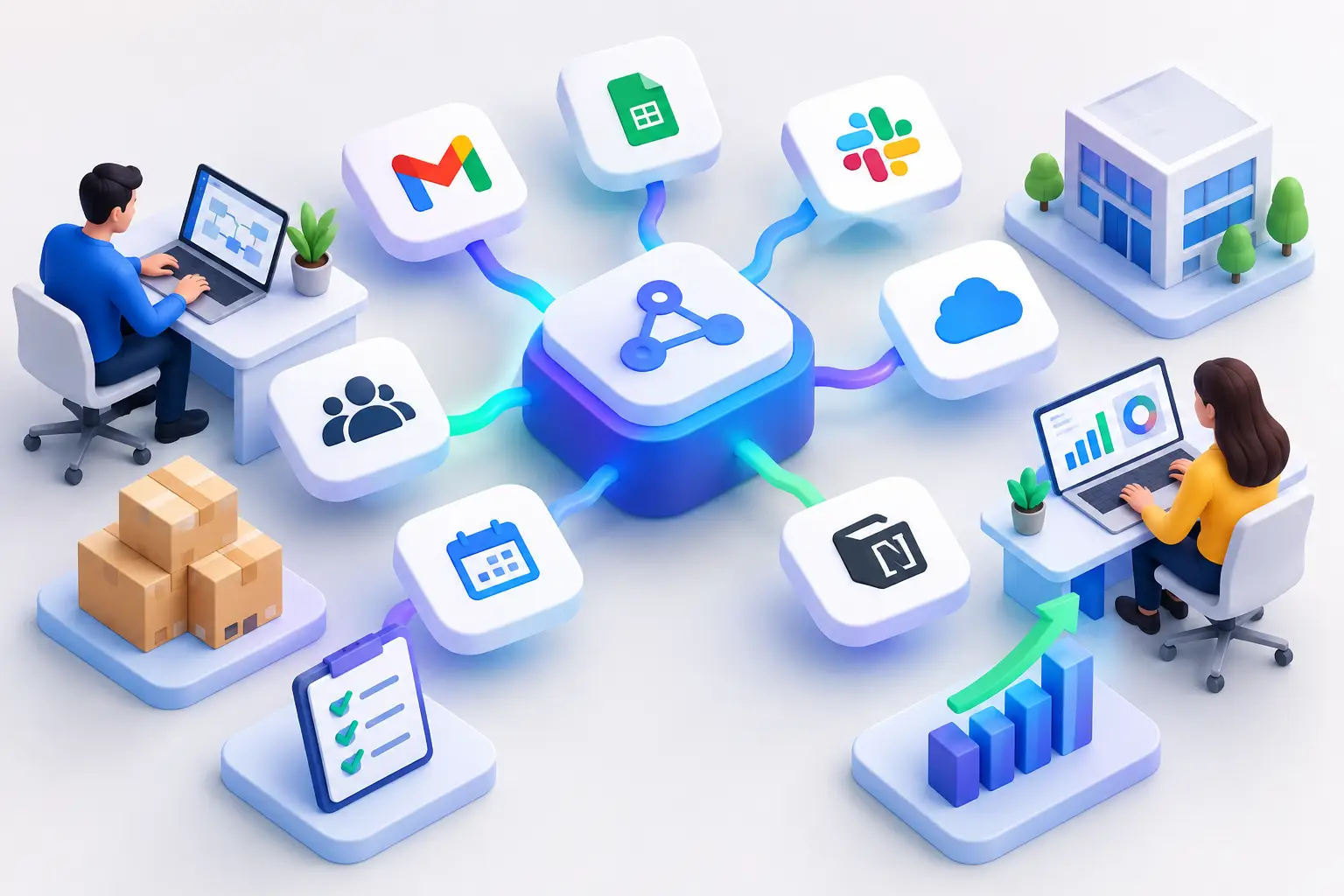
A customer leaves their details, a rep copies them into a spreadsheet, sends a manual message, opens a task, and tries to remember to follow up in two days. Meanwhile, a quote goes out by email, the deal status isn't updated, and managers discover at the end of the month that they have no reliable picture of what happened along the way. No-code integration is designed to stop exactly this chain of actions - not by replacing all your systems, but by connecting them properly.
Many businesses already have good tools: a customer management system, forms, email, an invoicing system, a task management tool, and dashboards. The problem begins when information stays scattered, and every transition between systems depends on an employee who copies, checks, remembers, and updates. Connecting the tools turns the systems into a single operational infrastructure, where information flows according to clear rules and actions happen on time.
What Is No-Code Integration in Practice?
No-code integration is a way to connect business systems using visual interfaces and ready-made settings, without writing custom software for every action. Instead of developing a connection from scratch, you define an event that starts a process, conditions that decide what happens, and actions that are performed in one system or several.
For example, when a lead fills out a form on the website, you can automatically create a record in the customer management system, assign it to the right salesperson, send a confirmation message to the customer, open a follow-up task, and update the lead source in the report. The same information is entered only once, yet it serves sales, service, marketing, and management.
The value doesn't lie in the technical connection itself. The value is in defining a business process you can rely on: who gets handled, what happens when information is missing, when a reminder is sent, and how you know the process is complete. Therefore, before choosing a tool, you need to understand which process needs to be managed.
Where Does No-Code Integration Create the Most Value?
Not every manual action is worth automating. It's best to start with points that involve recurring volume, time sensitivity, data copying, or managerial difficulty in tracking statuses. These are the places where small mistakes turn into missed revenue, delays, and loss of control.
Lead Handling and Sales Follow-Up
A lead that doesn't immediately enter an organized system is a lead that may disappear. A proper integration connects the form, the campaign, the customer management system, and the team's communication channel. It can identify the source of the inquiry, route it by area of interest or region, alert on an urgent inquiry, and open a follow-up task with a due date.
It's just as important to define what happens if no one handles the lead. An automatic reminder after a few hours, escalation to a manager after a set time, or flagging a deal that requires review are business control mechanisms, not just convenient automations.
Quotes, Approvals, and Collections
The quote process tends to get scattered across documents, emails, and messages. Connecting customer data, a quote template, deal status, and the collections system lets the team produce a consistent quote and know what happened afterward. When the quote is opened, approved, or left without a response, the system can update the file, trigger a reminder, and create the next action.
Caution is needed here. An automatic reminder is not a substitute for commercial judgment. In complex deals, with a strategic customer or a custom quote, it's right to let the account manager pause or change the sequence. The integration should support the sales process, not make it mechanical.
Internal Operations and Customer Service
A new customer request can become a task, a project update, an ownership assignment, and a service metric - without a single person having to mediate between them all. This prevents a situation where a request sits in one inbox, an open task sits in another system, and the customer receives a partial answer because the team lacks the full context.
In small organizations, this connection is especially important. The same person may be responsible for sales, operations, and service alike. A system that centralizes alerts, statuses, and accountability reduces cognitive load and lets employees focus on decisions instead of searching for information.
Data and Management Reporting
A good report is not a collection of numbers. It is a tool for identifying bottlenecks: how many leads arrived, how many received a timely response, what the conversion rate is by source, how many quotes are pending, and which tasks are delayed. When data flows automatically between systems, management gets a more up-to-date picture and relies less on manual collection at the end of the month.
That said, there's no point in connecting data before defining uniform terms. If every salesperson uses different statuses, or if the lead source isn't recorded the same way, the report will be misleading even if the technical connection works perfectly. Data quality starts with business definitions, not with a dashboard.
How Do You Plan an Integration That Still Works a Year From Now?
The common mistake is to start with the question of which tool can connect to which tool. The right question is: what is the desired workflow, who is responsible at each stage, and what information must be available in order to move forward? Only then do you choose the systems and the automated logic.
An effective planning process includes four components:
- Mapping the starting point. What triggers the process - a form, a status change, a payment, an incoming inquiry, or a due date?
- Defining required information. What data is needed to create a customer, open a task, produce a quote, or update a report?
- Determining exceptions. What happens when data is missing, there's a duplicate, a billing error, or a customer who already exists in the system?
- Measuring results. How will we know the integration improved the process - response time, fewer errors, more meetings, or shorter handling time?
Exceptions are where many systems fail. It's easy to demonstrate a clean process, but a real business encounters partial details, duplicate customers, manual status changes, and employees who work outside the process. A quality integration includes failure alerts, orderly logging of actions, and a simple way for human handling when needed.
When Is No-Code Not Enough?
No-code solutions suit most standard operational processes, especially when connecting common systems with clear business rules. They let you set up processes quickly, improve them gradually, and reduce dependence on expensive development for every small change.
But there are cases where custom development is required: very complex logic, unusually large data volumes, strict security requirements, connection to a legacy system, or a need for a dedicated user experience. Even then, you don't always have to give up the no-code approach. Sometimes it makes sense to combine a focused development component with an automation layer that manages the rest of the process.
The decision should be based on maintenance cost, level of risk, and business importance. An automation that saves five minutes a week is not necessarily a priority. By contrast, a process that affects lead response or customer billing requires planning, testing, and clear accountability.
The Real Test: Control, Not Just Time Savings
A successful integration is not measured only by the number of actions saved. It's measured by the business's ability to understand what's happening right now, identify a problem before it grows, and act based on data rather than memory and scattered messages. When every lead, quote, task, and action is documented on the right track, work gets faster - but above all, more controlled.
At AIA, integration is treated as part of a broad management infrastructure: connecting processes, data, and accountability so that the team can work from a single picture rather than across dozens of screens. The right place to start is not the most advanced tool, but the business process that today costs you the most time, mistakes, or opportunities.