How to Set Up Anomaly Alerts Without Overwhelming Your Team
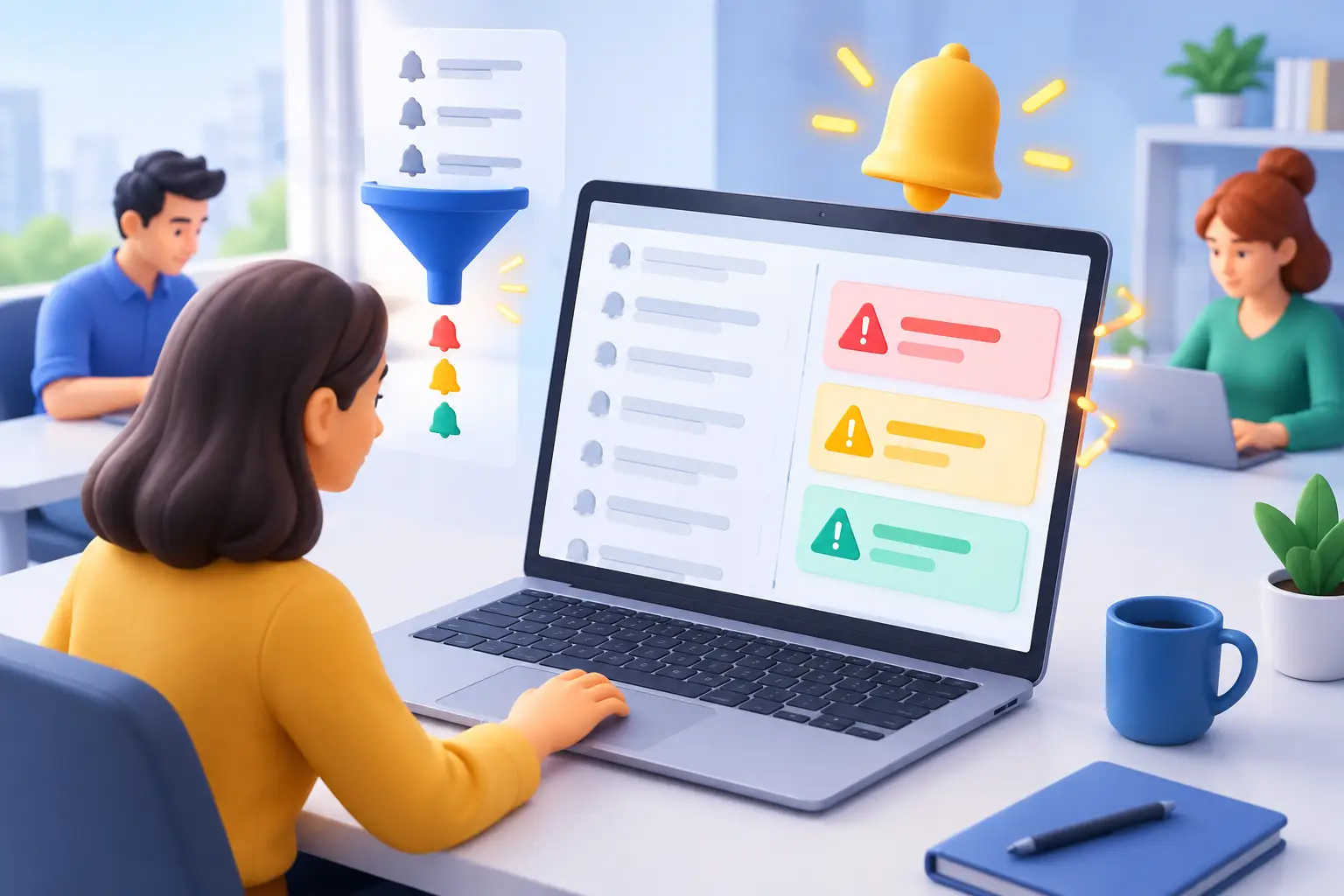
An operational anomaly that isn't identified in time can quickly turn into a delayed sale, a customer who never got a response, or an unplanned expense. On the other hand, a system that alerts on every small change causes the team to ignore even critical messages. That's why the question of how to set up anomaly alerts isn't purely a technical one. It's part of planning business control: what you measure, who responds, within what timeframe, and what happens after the issue is handled.
A good alert isn't just another message being sent. It's a trigger point within a defined workflow. It surfaces a situation that requires a decision or action, routes it to the right person, and documents the response. When the mechanism is built this way, it enables managers to identify problems before they affect revenue, service, or cash flow.
Before You Define an Alert, Define an Anomaly
A common mistake is to start by choosing a tool, a messaging channel, or a calculation formula. First you need to define what a normal state looks like. Only against a clear baseline can you identify a meaningful anomaly.
For example, if the sales team is supposed to respond to every new lead within two hours, a lead with no activity for three hours is an anomaly. If response time differs between business hours and weekends, the threshold should reflect that. An alert that ignores the operational context will create noise instead of control.
A good anomaly definition includes three components: the metric being checked, the threshold that triggers the alert, and the window in which the anomaly is measured. You can measure an amount, a rate, time, quantity, or status. You can alert when a commercial proposal remains unanswered, when a campaign budget exceeds the plan, when a task gets stuck, or when the conversion rate drops below a defined level.
It's important to distinguish between a one-time anomaly and a trend. A single large deal may spike daily revenue without requiring any action. By contrast, a sustained decline in quality inquiries over a week may point to a problem with the campaign, the website, or the sales process. That's why not every metric needs an immediate alert. Sometimes it's better to produce a daily report or to alert only after the anomaly persists across several measurement points.
How to Set Up Anomaly Alerts in a Business-Driven Order
The effective approach is to start from the business risk, not from a list of all the data available in the system. Ask what could harm the business's ability to sell, deliver service, collect payment, or meet its commitments. Then choose the metrics that provide an early signal.
1. Map the Points Where Work Stalls
Every business process has transition points: an incoming lead, assignment to a rep, an introductory call, sending a proposal, approval, payment, project kickoff, and work completion. Check where tasks tend to remain without an owner, where information is missing, and where customer wait time grows.
For example, in a quoting process you can set an alert when a proposal hasn't been opened within two days, when it's about to expire, or when an advanced-stage deal has no follow-up date. Each of these alerts reflects a different risk, so the action that follows is also different.
2. Set Thresholds Based on Historical Data, Not Gut Feeling
An arbitrary threshold leads to two bad outcomes: too many alerts or missed real problems. Examine historical data to understand what the normal range is. If the average response time to a lead is 45 minutes, and good results hold up to 90 minutes, a two-hour threshold may be a reasonable starting point.
That said, an average alone can be misleading. In a business where some leads get an immediate response and others wait a full day, the average looks fine even though the process is not under control. In such cases, it's worth measuring the share of leads that exceed the allowed response time, not just the average time.
At the start, it's better to set a conservative threshold, review the quality of the alerts over two weeks to a month, and then calibrate. The goal isn't to prove that the system can detect every deviation, but to get a small number of alerts that lead to the right action.
3. Define Severity Levels
Not every anomaly should get the same response. A clear division into severity levels prevents unnecessary escalation and lets the team stay attentive to the truly urgent alerts.
You can work with three simple levels. A monitoring alert fits a deviation that requires review during the workday, such as a moderate drop in the number of inquiries. An action alert is for a case that requires handling within a defined time, for example a customer waiting for a proposal after a meeting. A critical alert is reserved for situations with an immediate impact on revenue, information security, payment, or service to a significant customer.
The severity level should influence the notification channel. A daily summary may be enough for monitoring, a task in the system suits action, and an immediate message to a responsible person is reserved for critical cases. If every anomaly is sent through the same channel with the same wording, it's hard to tell what requires a response right now.
4. Assign Clear Ownership and Response Time
An alert without an owner is just information. For each rule, define who is responsible for checking it, who covers in their absence, and what the expected response time is. When more than one person can handle a case, also determine who makes the final decision, to prevent a situation where everyone assumes someone else has already handled it.
The alert's wording should provide practical context: what happened, when the anomaly started, its scope, which customer or item is relevant, and what the recommended first action is. A message like "Anomaly found" creates a search task. A message like "Lead from Company X has gone unanswered for 180 minutes - assigned to rep Y" enables immediate action.
5. Connect the Alert to Documentation and a Follow-Up Process
The goal isn't just to react to the alert, but to learn from it. That's why it's worth having every anomaly create or update an organized record: a task, an inquiry, an event, or a status in the process. This way you can see how many times the same problem occurred, how long it took to resolve, and what the recurring causes were.
For example, if alerts about unanswered proposals keep appearing, the problem may not be with the reps but with the quality of the proposal, the pricing, the timing of follow-up, or a lack of clarity on the customer's side. The data turns the management conversation from pointing fingers at individuals into a review of the process.
Alerts Worth Considering in a Growing Business
The choice depends on the business model, but there are several areas where alerts provide especially high value. In lead management, it's worth tracking a new inquiry that hasn't been handled, a lead with no next task, an unusual drop in inquiry volume, or a decline in the conversion rate between stages.
In proposal and sales management, it's worth identifying proposals about to expire, high-value deals with no activity, missing data before sending, and unusual changes in close rates. In financial and operational management, alerts can identify a delayed invoice, a budget overrun, a blocked task, or an unusual workload on a person or team.
In each of these areas, be careful about measuring what's easy to measure instead of what affects performance. The number of closed tasks, for example, isn't necessarily a measure of service quality. By contrast, inquiry handling time, the rate of meeting commitments, and the proper movement of deals through the sales pipeline can provide a more reliable business picture.
When Alerts Fail
The most common failure is alert overload. When employees receive dozens of messages a day, they develop alert blindness. Even an accurate system becomes worthless if the critical message is buried among marginal updates.
To prevent this, consolidate similar alerts, set a delay for short fluctuations, and avoid resending before checking whether handling has already begun. For example, instead of sending a message for every hour a deal is stuck, you can send a first alert, a reminder after a defined period, and an escalation only if no action was taken.
Another failure is automation without exceptions. A process can be right in most cases but not suit a strategic customer, a complex deal, or an unusual period such as a collective vacation. That's why a good alert setup also includes the ability to document an approved exception, pause a rule for a limited time, and have a human review of complex cases.
Ongoing Review Turns Alerts into a Management System
After implementation, review once a month which alerts were received, how many of them led to action, what the handling time was, and which alerts turned out to be irrelevant. If a rule hasn't produced useful action over time, you need to update the threshold, change the context, or remove it.
A quality alert system isn't measured by the number of messages it sends, but by the number of problems it prevents and the speed at which the business regains control. When every anomaly is connected to a metric, an owner, and a documented action, the data stops being a retrospective report and becomes a management tool that enables more precise work every day.